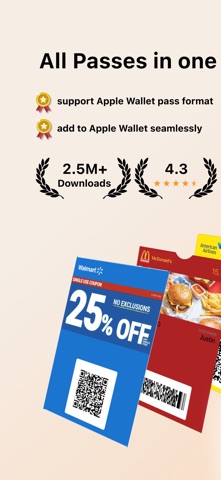
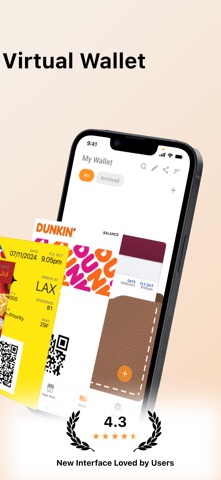
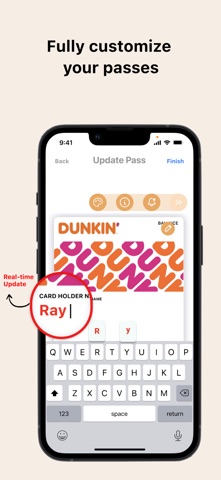
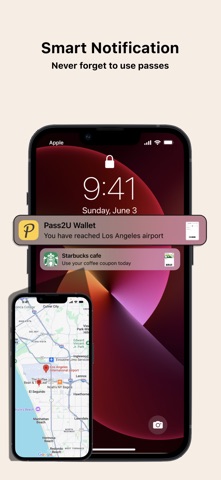
Pass2U Wallet is your ultimate digital card manager! Seamlessly combine store cards, coupons, event tickets, and boarding passes into one app. Fully integrated with Apple Wallet, Pass2U lets you customize pass designs, organize your wallet effortlessly, and skip the lines with ease. Main Features All-in-One Digital Wallet: Create, store, and manage membership cards, store cards, event tickets, coupons, reward cards, boarding passes, and more. Easy Digitization: Instantly scan physical barcodes or import from photos to convert cards into digital passes. Custom Designs & Templates: Apply hundreds of free pass templates from the Pass Store or design your own with real-time editing previews. Smart Notifications: Receive automatic updates and timely reminders based on your current location or event dates. Cloud Backup & Sync: Safely backup and restore your passes via iCloud or Google Drive. Privacy First: Pass2U does not track, collect, or store your personal information or pass details. (Note: Some advanced features require Pass2U Pro.) Supported Barcode Types Apple Wallet Native Support: QR Code, Aztec, PDF417, and Code 128 (Code 128 is supported on iOS; not supported on Apple Watch). Code 39, EAN-13, Codabar, and I2of5 will be added soon. Converted Formats (Converted into strip images for compatibility): Code 39, Code 93, Code 39 Mod 43, EAN-8, EAN-13, and UPC-A. Frequent Questions How can I backup all of my passes? You can go to the setting of iPhone > Apple ID > iCloud > turn on Wallet. Once you would like to use another iPhone, you can log in with the same Apple ID and turn on Wallet for iCloud. Then you will see the passes issued by Pass2U on Pass2U Wallet. Issuing Passes in Bulk? Visit https://www.pass2u.net/ to design, issue, and distribute digital passes directly to your customers. Support & Feedback We’d love to hear from you! If you have any comments, questions, or feedback, please reach out to us at [contact@micromacro.com.tw].