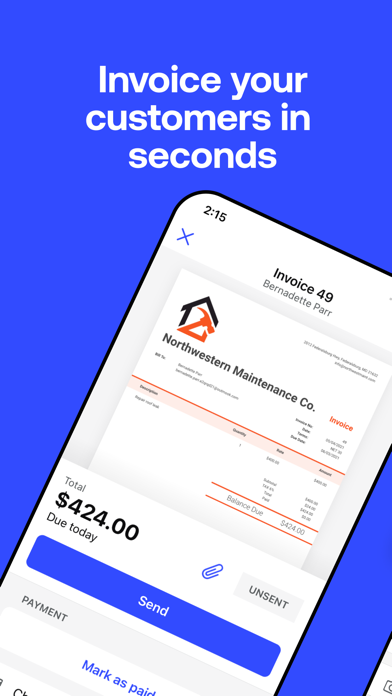
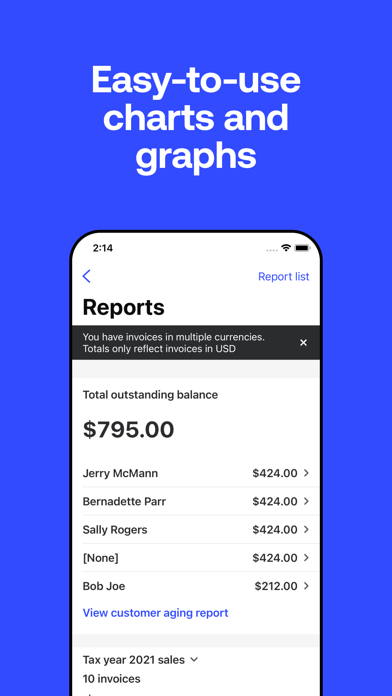
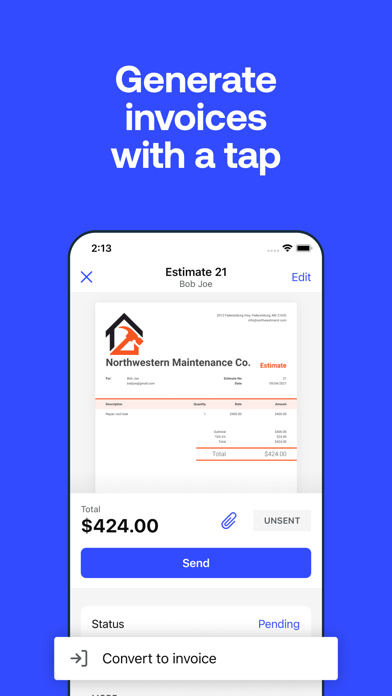
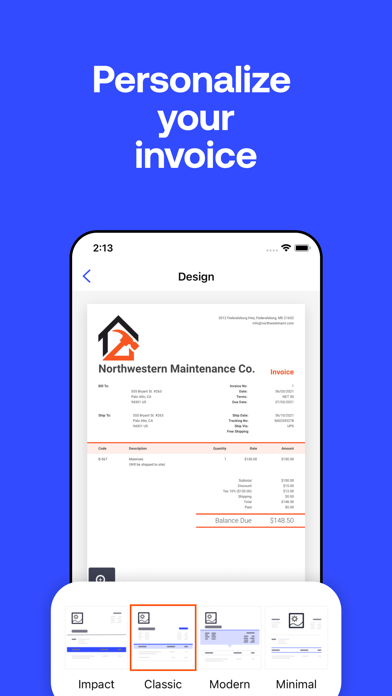
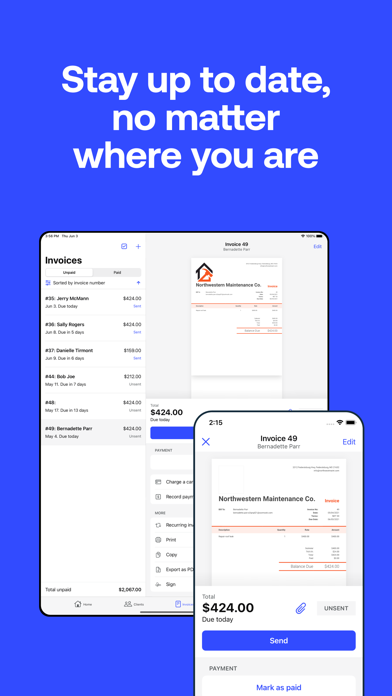
Invoice with ease using Invoice2go from BILL. Quickly create & send professional invoices for small businesses, consultants, contractors & freelancers in minutes. Invoice and accept payments with ease using Invoice2go. Set up Invoice2go Money to easily keep track of your payments and expenses in one central place. Small business owners in over 160 countries trust Invoice2go to send professional invoices and estimates to clients. Whether you need to create an invoice or quote, business receipt for your side gig, or small business, Invoice2go is the #1 free invoice app for the job. Create estimates for your clients so they’ll know what to expect. When the job is done, convert estimates into invoices with a tap and send them out. Track invoices to keep up with every payment. Create great-looking, professional invoices, and estimates, and get paid faster using one simple app. Accept all the ways your clients want to pay online. Capture your expenses as you incur them. Invoice2go is the on-the-go invoicing tool for all types of small businesses, freelancers, and contractors, from dog walkers to web designers to musicians. All of your information is automatically synced and available on your iPhone, iPad, and computer. Invoice2go has been the #1 invoice app for 10+ years and counting. Here’s why people choose Invoice2go: BUSINESS INVOICES - Invoice maker with 8 professional invoice templates optimized for easy use. - Add a logo for your business. Upload your own or create one using our custom logo designer. - Match your brand. Sync the color of your logo to your invoice. EASY INVOICES & ESTIMATES - Create and send an invoice in under 1 minute. - Make invoices without any training. If you can send an email, you can use Invoice2go. - Review your edits before you send an estimate or invoice. - iOS Widgets: Instantly see all outstanding payments from your home screen - Siri Shortcuts: Ask Siri to create invoices and estimates or to view reports ESTIMATE CREATOR - Create an estimate template for your project. - Share estimates with your client and save it for invoicing. - Convert an estimate into an invoice in seconds. FAST BILLING - Send invoices on the spot. Improve your turnaround time and save yourself the paperwork. - Accept payments instantly. Add the payments feature so clients can pay your invoices using American Express, Visa, Mastercard, Discover, Paypal, and Apple Pay. - Never miss a thing. Keep an eye on overdue invoices and send automatic payment reminders. SMALL BUSINESS ACCOUNTING - Easily track your expenses. Simply snap a photo of your receipt to safely store and claim business expenses. - Save for next time. Add expenses directly to your invoice and save recurring expenses for future use. - No more overflowing shoeboxes. Organize all of your expenses and print expense reports with one tap. STAY ORGANIZED - Know what happens to your invoice after you hit “send.” - See when customers have viewed your invoices and who still needs to make a payment. - Schedule appointments and organize your day. - Keep track of your receipts and time on the job so you can bill accurately. - Run reports and get all the information you need in one statement. Just select a client and we’ll take care of the rest. - The home screen showcases your most critical business insights, making it easier to make faster, informed decisions SUBSCRIPTION PRICING AND TERMS A subscription is required to use Invoice2go, and there’s three plans you can choose from. When you sign up, you’ll get the first 30 days free. Subscriptions automatically renew unless turned off in Account Settings at least 24 hours before end of current period. Payment is charged to your iTunes account. Unused portion of free trial is forfeited after purchase. Read more about our terms and conditions here - https://invoice.2go.com/tosInline/ Read more about our privacy policy here - https://invoice.2go.com/privacyInline/