# Simple Table - Note as table

# Simple Table - Note as table

By YUKI TANAIKE

  • Category: Utilities
  • Release Date: 2022-10-05
  • Current Version: 2.7.0
  • Adult Rating: 4+
  • File Size: 49.90 MB
  • Developer: YUKI TANAIKE
  • Compatibility: Requires iOS 15.6 or later.
Score: 4.6
4.68182
From 132 Ratings

Description

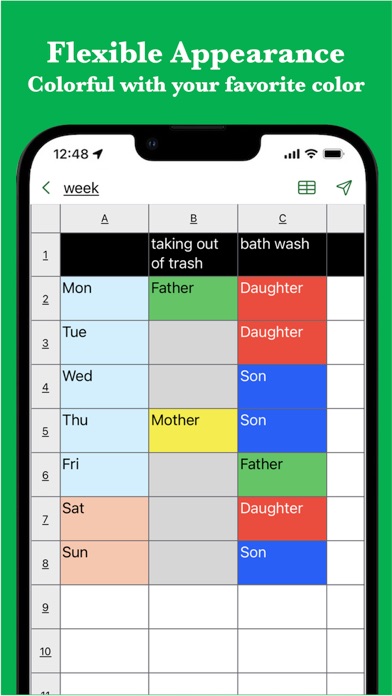
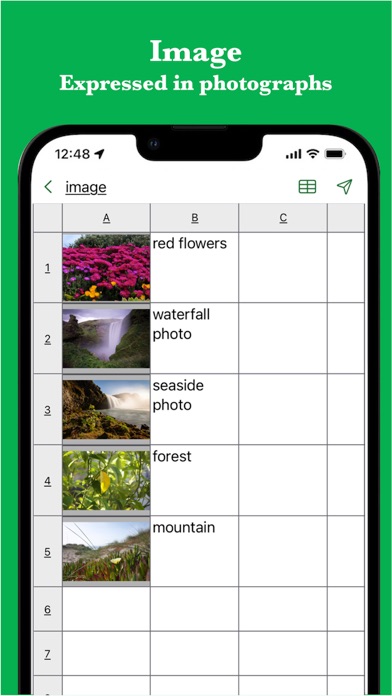
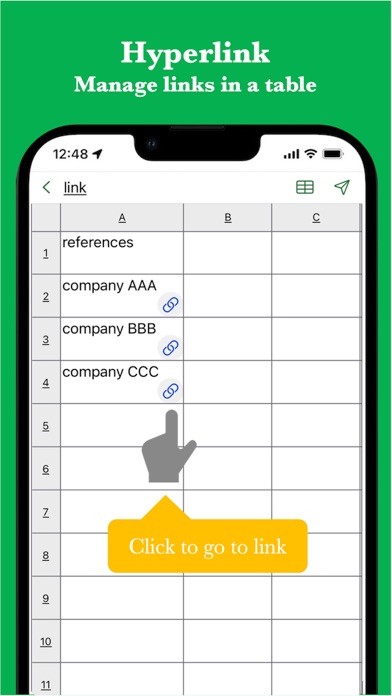
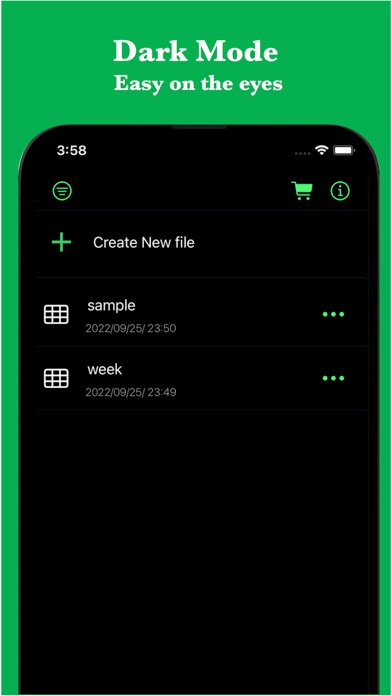
This Simple Table App allows you to easily take notes in a table format like Excel. It also supports various expressions such as colors, images, links, and task progress. It is used in the following situations. - Create timetable - Creating a task table - Creating a shift table - Creating a schedule - Create an address book - Create a comparison table In addition, because it can be used for anything managed in a table There are reports of various uses. If you want to make notes in a table, please try it once. [Features] - Intuitive operability Ease of use is the most important thing for simple functions. It works quickly and you can edit intuitively. - Rich expression You can express your preferences in a tabular format using colors and photos. - To-do management You can insert the progress rate for each cell and use it for ToDo management. - Link Since you can insert links, it is also useful when you want to manage reference sites. - Ready to use You can use it immediately without registering an account. - Export and share Created table data can be exported, shared, and edited on a PC. - Import You can import csv data and edit it. - Dark theme support Since it supports a dark theme, it is also ideal for use at night.

Screenshots

Reviews

  • Great table making

    5
    By Debbie Mc Florida
    Easy and efficient
  • deleted files

    4
    By andrewcantu2724
    Please make it a feature to be able to recover accidentally deleted table charts
  • Love this app

    5
    By heididog237
    Simple and easy to track recommend for all your vacation planning needs.
  • Ok

    5
    By Mây(báo)
    Ok
  • Great app

    5
    By D foster46
    This is really a great app. Very easy to use and set up for my needs.
  • PERFECT!

    5
    By ArmaniVentura
    It’s exactly what i expected, super simple and easy to use
  • OK

    4
    By Pollypopoff
    Does what I need it to do. Wish there were a way to tab through the columns, though.
  • Exactly what I needed

    5
    By rs80riso
    This is exactly what I was looking for. The Notes app has a similar table-making function, but it’s annoyingly clunky and has few customization options. This is the perfect replacement. I’ll say my only “problem” is that the text in the cells can’t be formatted (bold, italics, font color, etc) which would be really nice, but otherwise I’m very satisfied :)
  • Perfect

    5
    By Kadri Mohammed
    Great
  • Pro version

    2
    By Pro version issue
    Unable to access the pro version after subscribing won’t let me add photos to my table

Comments

keyboard_arrow_up

Buy this script Now!