Spark Classic – Email App

Spark Classic – Email App

By Readdle Technologies Limited

Description

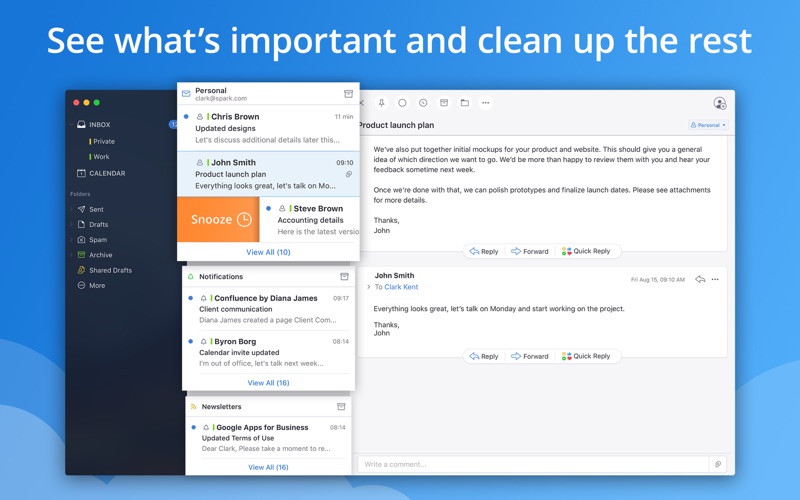
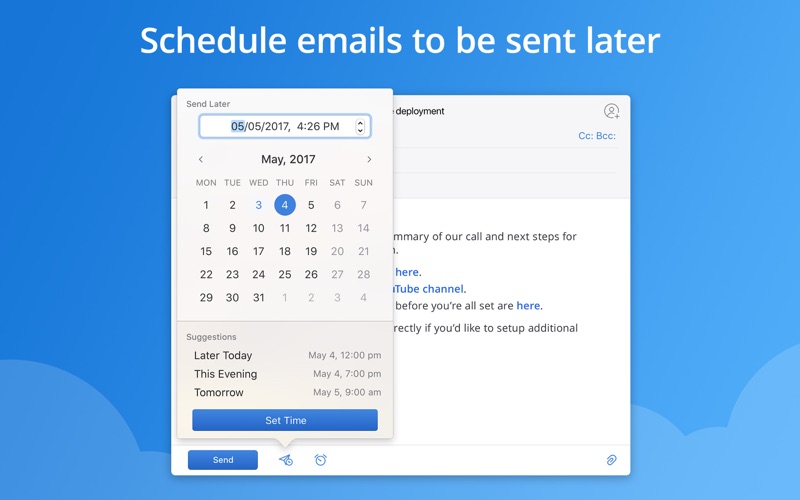
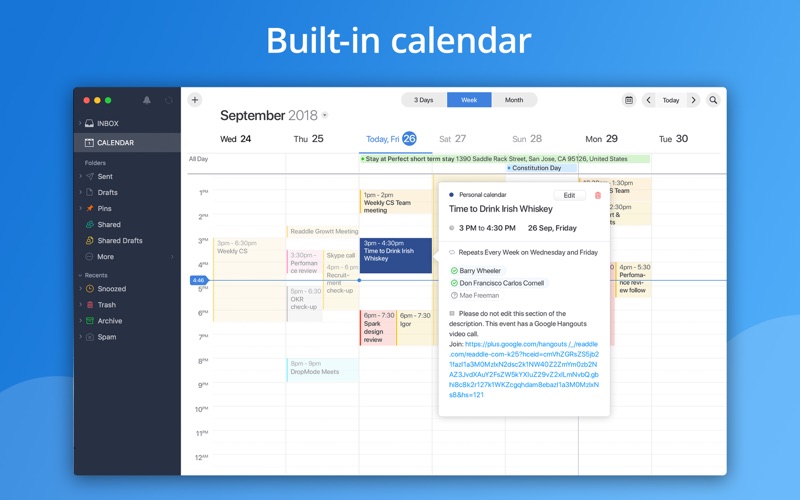
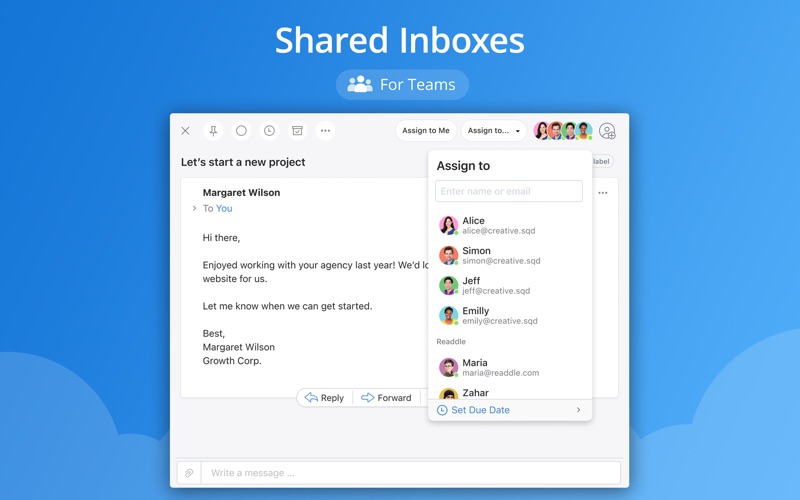
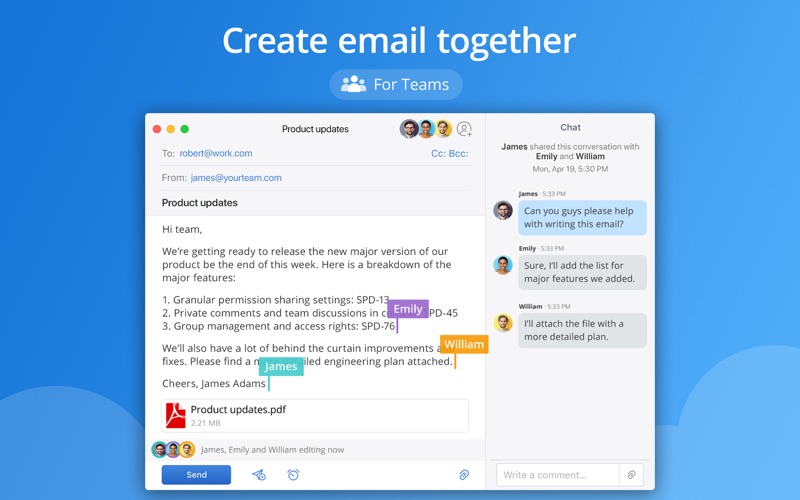
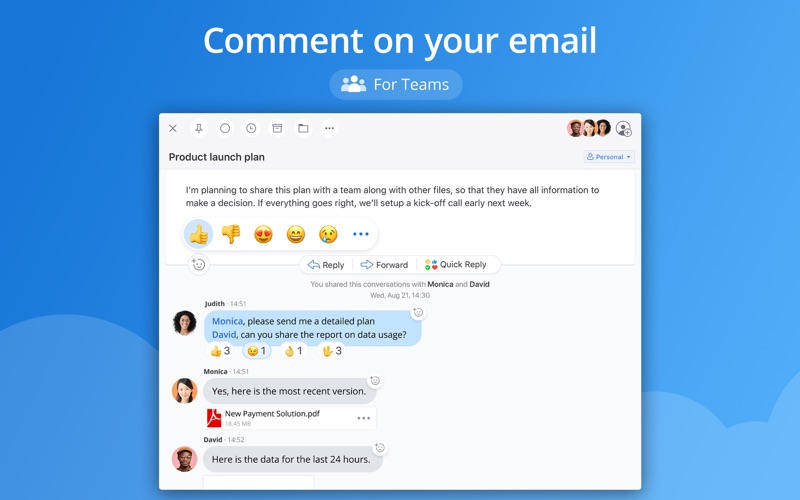
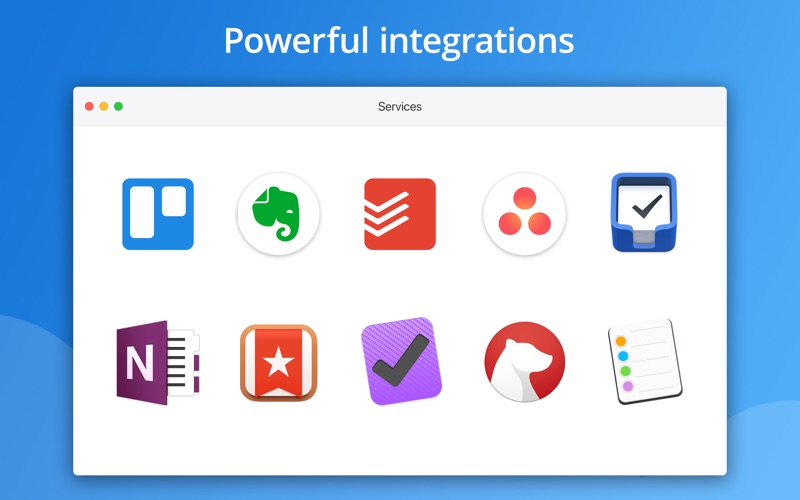
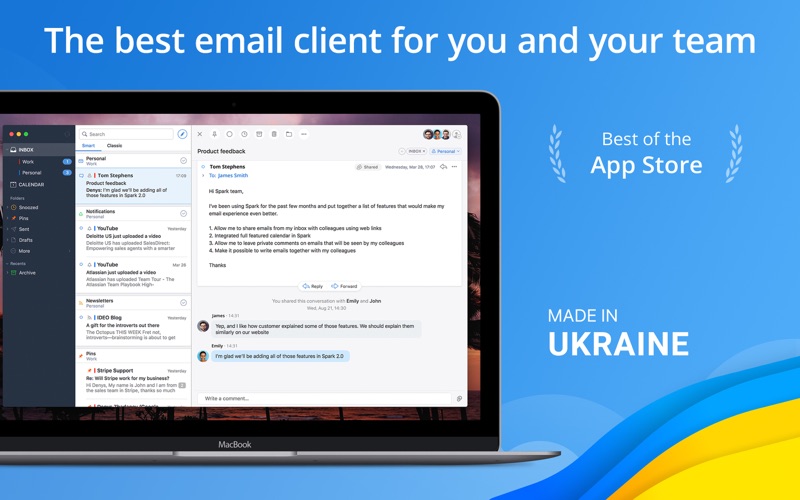
This is Spark Classic. Since 2022, all new features have been added to the latest version, which is a separate application from this outdated version. To use the newest version of Spark, search and download: Spark Mail - AI Email and Inbox. Spark is the best personal email client and a revolutionary email for teams. You will love your email again! "Best of the App Store" - Apple "It's a combination of polish, simplicity, and depth" - FastCompany "You can create an email experience that works for you" - TechCrunch **Beautiful and Intelligent Email App** We are building the future of email. Modern design, fast, intuitive, collaborative, seeing what’s important, automation, and truly personal experience that you love - this is what Spark stands for. **Farewell to Busy Inbox** Smart Inbox lets you quickly see what's important in your inbox and clean up the rest. All new emails are smartly categorized into Personal, Notifications and Newsletters. **Discuss email privately** Invite teammates to discuss specific emails and threads. Ask questions, get answers, and keep everyone in the loop. **Shared Inboxes** Spark lets you handle an inbox together with multiple people, assign emails just like tasks, set deadlines, and track progress. No email will slip through the cracks! This feature is invaluable for small teams like info@, sales@, or support@. **Create email together** For the first time ever, collaborate with your teammates using a real-time editor to compose professional emails. **Schedule emails to be sent later** Schedule emails to be sent when your recipient is most likely to read them. It works even if your device is turned off. **Snooze That One For Later** Snooze an email and get back to it when the time is right. Snoozing works across all your Apple devices. **Find Any Email In An Instant** Powerful, natural language search makes it easy to find that email you're looking for. Just search the way you think and let Spark do the rest. **Get Notified About Important Emails Only** Smart Notifications filter out the noise, letting you know when an email is important, saving you from notification overload. **Powerful Integrations** Integrate Spark into your workflow and take productivity to the next level. Supports Dropbox, Box, iCloud Drive, and more. **Built-in calendar** A full-featured calendar works right in your email to help you always be on top of your schedule. Create events easily using natural language. **Create links to email** Create secure links to a specific email or conversation. Share the link on Slack, Skype, CRM, or any other medium so your team can see it and collaborate around it. **Sign Off With A Swipe** Before you send an email, quickly swipe to choose the right signature for the occasion. **Email with Emotion** Quick Replies get the point across with just a tap. Love, like or acknowledge an email in an instant. **Email Never Looked This Good** That terrible mess in your inbox is now replaced it with a beautiful, threaded message design. **A Truly Personal Experience** Customize Spark to work as you do. You decide which swipes do what, what cards are shown, and how many emails you want to see. You’ll love your email again! Read more about our Terms of Service and Privacy Policy here: https://sparkmailapp.com/terms https://sparkmailapp.com/privacy If you need us, you can always find us at support@sparkmailapp.com

Screenshots

Reviews

  • Almost Daily Email accounts are logged out

    1
    By heater82
    Almost every day the logged in accounts get logged out.
  • Spark Classic no longer works with Microsoft accounts

    5
    By noraar
    *Update 9/29/2026* Changing my review back to 5 stars now that Readdle has updated Spark to support the new Microsoft account! Getting it updated took way longer than it should have, but at least Readdle listened to their users and changed course instead of forcing users on to the new (and far inferior) Spark Desktop app. So thank you!
  • So much better than the “updated” version

    5
    By Boaz95
    The “classic” app was the best mail app out there, but stopped working with Microsoft accounts, so I was forced to “upgrade” to the newer Desktop-AI version. The newer one is terrible - unintuitive, overblown, clunky and hard to use. As of October 2026, Microsoft is changing how their accounts work (according to Spark customer service) which should allow us to use the better “classic” app again. So thankful!
  • Stoped working with Outlook

    1
    By MindNSoul7
    They stoped supporting outlook to force users on to the new horrible version.
  • Bad faith advertising

    1
    By mniemaihabd
    Spark has a history of adding advertising to this app to encourage users to not use Spark Classic and use their new desktop app. That is fine, but you cannot get rid of the message. They just added one now for “AI agents” in the lower left hand corner. I cannot get rid of it. They need to stop doing this.
  • Sick of it

    1
    By Chris La Tray
    I have kept Spark Classic because I absolutely do not want AI. Yet I’m constantly hassled via notifications inside the app and via email to try the AI garbage. How many times do I have to say no? If I choose the non-AI version of the app, why am I being hassled about AI features? I won’t be using it at all anymore.
  • 一直无法授权登录

    1
    By YLW0625
    我尝试了很多次,总是授权登录失败!
  • Deal breaker bug

    1
    By The Teaman
    I have used Spark for years as my go-to app for email management, both on Mac and iPhone. About 6-9 months (or longer) ago a very serious bug showed up and I reported it. I endured through the pain of this bug hoping for a fix that never came. I then reported it again. They acknowledged it and that they were working on it. Weeks have gone by and still no fix! What is the bug, you ask? While composing or responding to an email, I use voice annotation (Siri) all the time to type for me. Siri works fine in hearing what I speak and putting the words down in Spark. But then Spark decides to randomly delete key words through out the message that Siri had dictated. It made the message un-sendable! Important words randomly removed here and there. I had to re-read every word, looking for what was removed, and re-entering the missing words. I figured this was their AI trying to be “helpful”. But in Settings there is a way to disable AI completely. It didn’t work. This very annoying bug still exhibited itself. I’ve had it with Spark! I’m sorry our relationship has to end but I can’t live with that time consuming bug that annoys me very much.
  • Don’t want your stupid AI

    1
    By Tshoob
    This app was wonderful, then it decided to jam AI down your throat, and it became loathsome.
  • Finally, a reason to move to the MacOS native Mail app

    1
    By JH2511
    Since Readdle will not update Spark Classic to use the new Microsoft AuthN method, this has forced me to finally migrate to Apple’s native Mail client. Spark Desktop has kludgy UX and is a resource hog which makes the migration to that app a non-starter. I’ve tried using 2 mail apps, but that just sucks so I’m moving everything to Mac Mail.

Comments

keyboard_arrow_up

Buy this script Now!