Markdown゜

Markdown゜

By Teleprompter LLC

  • Category: Productivity
  • Release Date: 2020-01-24
  • Current Version: 2.0.1
  • Adult Rating: 4+
  • File Size: 7.25 MB
  • Developer: Teleprompter LLC
  • Compatibility: Requires iOS 15.0 or later.
Score: 4.5
4.56357
From 527 Ratings

Description

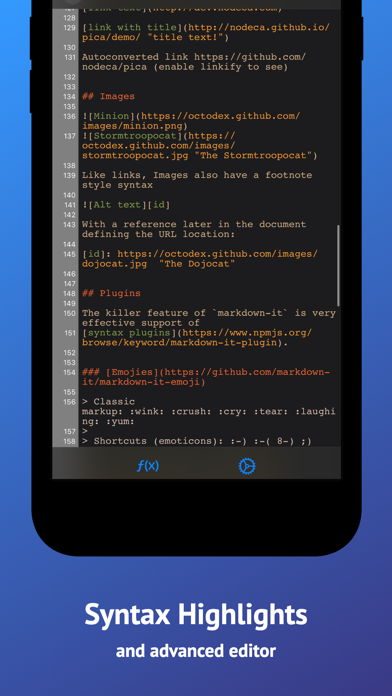
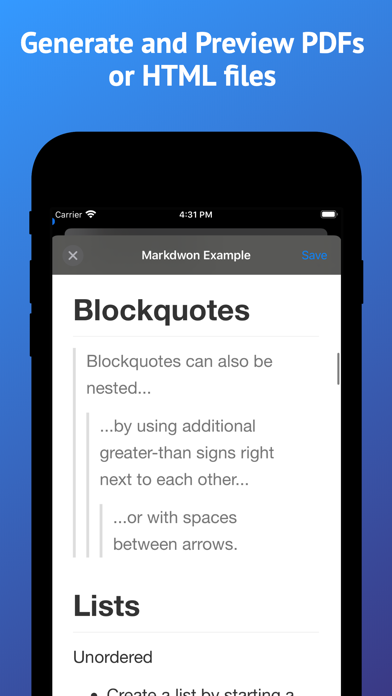
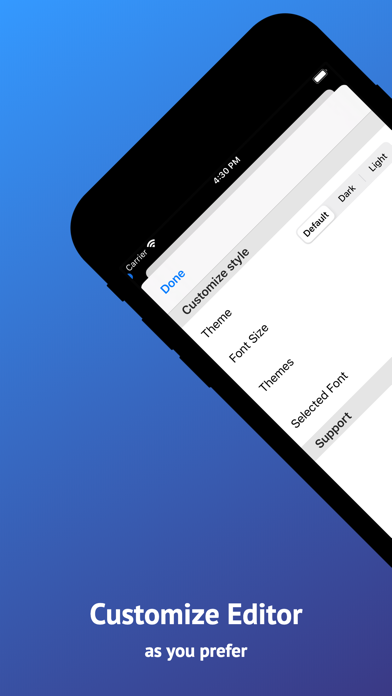
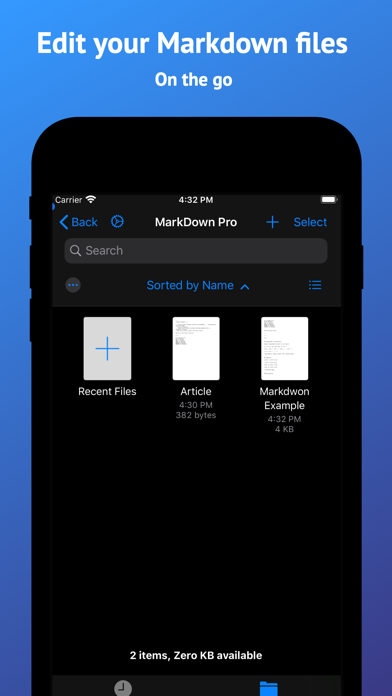
Markdown Pro is a fast, focused Markdown editor for iPhone, iPad and Mac. Write in plain Markdown, or turn on the prettified editor and watch headings, lists, tables, images and task lists render as you type. When you're done, export a polished PDF, an HTML file, or the raw Markdown. WRITE THE WAY YOU LIKE • Prettified editor renders headings, lists, quotes, code blocks and images inline while you type • Or stay in raw Markdown with syntax highlighting and line numbers • Switch between the two with a single tap • Live preview beside your text on iPad and Mac • Smart list continuation and a caret that stays where you put it • Task lists with tappable checkmarks TABLES WITHOUT THE PAIN • Tap the pencil on any rendered table to open the graphical table editor • Add and remove rows and columns without counting pipes • Multiline cells and column alignment • Tables render inline as you edit EXPORT ANYWHERE • Export to PDF, HTML or raw Markdown • Send to any other app, or save straight to Files • Your documents and exports stay on your device AT HOME ON EVERY DEVICE • One app for iPhone, iPad and Mac • Full keyboard support, with menu bar commands and keyboard shortcuts • Multiple windows, and documents as native tabs on Mac • Drag and drop, and open several files at once • Works with the Files app, iCloud Drive, Dropbox, Box, Google Drive and other file providers • iCloud and Recents right on the Mac home screen MAKE IT YOURS • Full light and dark mode support • Pick your syntax highlighting theme • Choose a custom editor font and size • Built-in snippets for headings, links, lists and tables • Find and replace • Autosave, always on Whether you're keeping a journal, writing documentation, drafting a README, taking notes in a meeting or working through a code snippet, Markdown Pro stays out of the way and lets you write.

Screenshots

Reviews

  • Doesn’t work

    1
    By billdozer6969
    This thing doesn’t work for editing. As soon as you get the cursor where you want it in a document and then hit a key with the keyboard, it moves the cursor to the end of the document. Every single time. I thought it was a quirk at first but you can’t edit inside documents.
  • good

    5
    By JullienSue94
    free
  • Great

    5
    By RobertAD4631
    Love it
  • New file bug

    2
    By artcoder
    I got a bug, so that I could not create a file in a folder on iCloud Drive. The button text changed to “+ Recent Files” and it did not create a new file when clicked.
  • Scroll position jumps around constantly

    1
    By blk19_
    Unusable - come on man. How do you even ship something so broken.
  • Incredibly Frustrating

    1
    By Sirrus42
    I get this app to edit an exiting markdown file. Editing the file with this app was so incredibly frustrating I gave up. Every time I made any change it jumped to the bottom of the file. It was a whole cycle, scroll to the place I wanted to change, jump to the bottom, scroll, jump, scroll, enter on character, jump, scroll…. I deleted the app after less than 5 minutes.
  • Vote of zero confidence

    1
    By The Honest Lab Rat
    I’ve just spent an hour using this tool to edit a local PRD document on my iPhone. Already I have had 2 very bad things happen. First, the text that I pasted and was editing simply vanished for seemingly no reason. After continuing to edit this document, I began to receive a loop of errors saying “could not save”. The scary thing here is that I could not get out of the message loop until I disabled mobile network to force my phone to only use WiFi. WHY does my network have any effect on using an installed app to edit a local file? Is it attempting to save/steal my documents by pushing it to a cloud server in the background????????!!! Highly suspicious and untrusting of this app after that!
  • Free, but….

    2
    By jClabo
    Editing the documents are essentially impossible. Cursor jumps to end of document after pressing one key.
  • Got pro for free

    5
    By Dougiealexxx
    No ads or purchases. Love it
  • Not the most intuitive UX but works way better than most markdown apps

    5
    By Huh…Is every nickname taken?
    It's not super intuitive on how to use. However, once you figure it out, it does have a lot of features and functions and it's much better than a lot of the shady Markdown apps created by unknown mystery users available in the Apple App Store.

Comments

keyboard_arrow_up

Buy this script Now!