CapCut: Photo & Video Editor

CapCut: Photo & Video Editor

By Bytedance Pte. Ltd

  • Category: Photo & Video
  • Release Date: 2020-04-14
  • Current Version: 19.3.0
  • Adult Rating: 12+
  • File Size: 771.49 MB
  • Developer: Bytedance Pte. Ltd
  • Compatibility: Requires iOS 13.0 or later.
Score: 4.6
4.61132
From 1,119,695 Ratings

Description

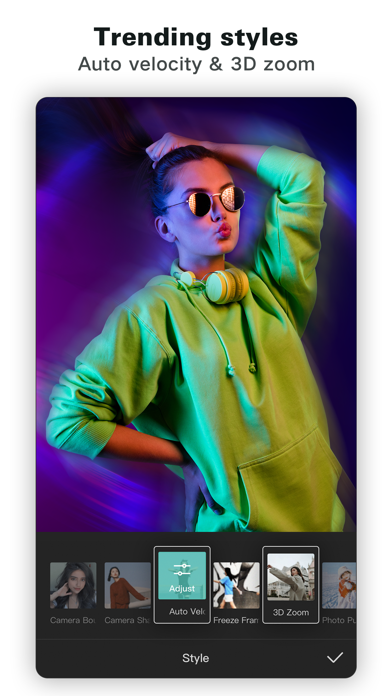
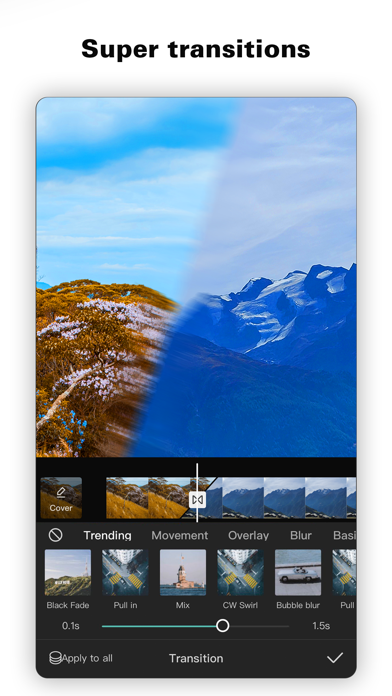
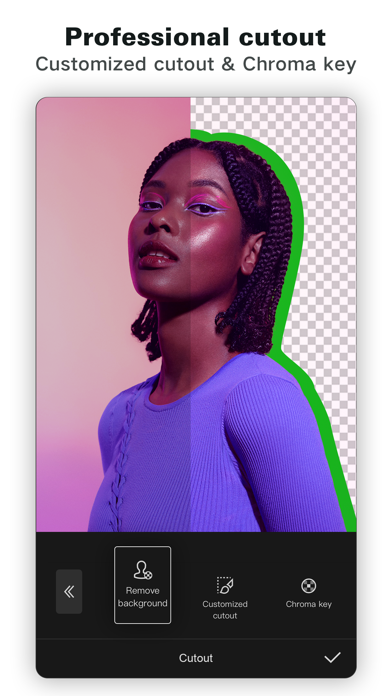
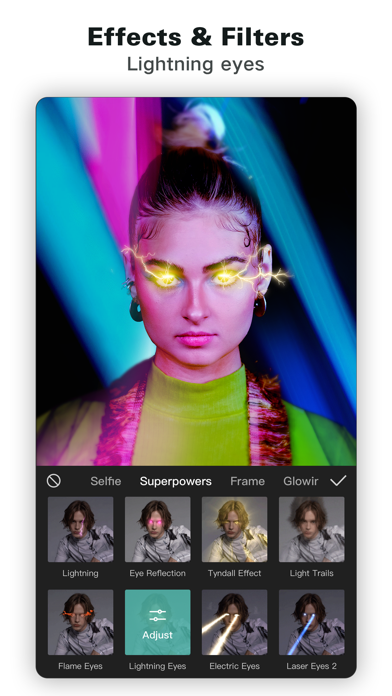
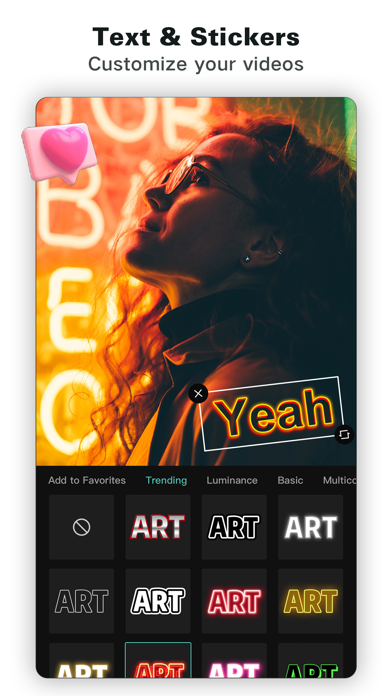
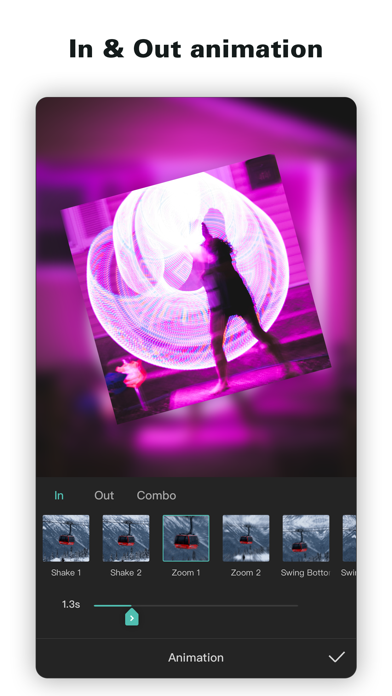
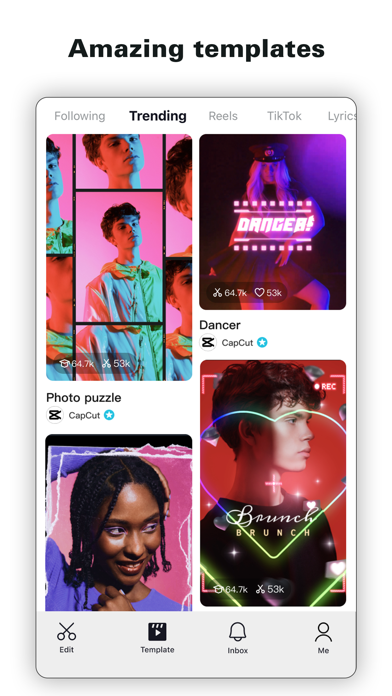
CapCut offers easy-to-use video editing functions, in-APP fonts and effects, advanced features such as keyframe animation, smooth slow-motion, chroma key, and stabilization, to help you capture and snip moments. Create fancy videos with other unique features: auto captions, text-to-speech, motion tracking, and background removal. Show your personality and go viral on TikTok, YouTube, Instagram, WhatsApp, and Facebook! FEATURES Basic video editing • Trim and shorten clips and split or merge videos. • Adjust video speed from 0.1x to 100x, and apply speed curves to clips. • Animate video clips with incredible zoom in/out effects. • Highlight the best moments with the freeze feature. • Explore transition options with awesome effects on and between clips. Advanced video editor • Keyframe video animation is available for all settings. • Edit videos to create smooth slow-motion with the optical flow feature and speed curve tool. • Use the chroma key to remove specific colors from videos. • Easy to arrange and preview clips on multi-track timeline. • The stabilizing feature keeps video footage steady. Intelligent features • Auto captions: automate speech recognition and subtitles in videos. • Text-to-speech: apply text-to-speech in multiple languages and voices. • Background removal: automatically remove backgrounds. Text & Stickers • Add text to videos with different fonts and styles, choose unique text templates. Fonts can be imported locally. • Subtitles can be added to the timeline of video tracks and can be moved and adjusted in one step. Trending Effects & Filters • Match video content with diverse filters that are updated weekly with the latest trends. • Edit videos with hundreds of trending effects, including Glitch, Blur, 3D, etc. • Add movie-style video filters or adjust video brightness, contrast, etc. Music & Sound Effects • Add millions of music clips and sound effects to videos. • Extract audio, clips, and recordings from videos. Easy to Share • Custom video export resolution, HD video editor supports 4K 60fps exports and smart HDR. • Adjust the format and share with your friends on social media platforms. CapCut is an all-in-one video editor and video maker application with everything you need to create stunning, high-quality videos. Beginners can get started with CapCut in a matter of seconds, while advanced users can enjoy all the functions they need to edit videos. Terms of Service — https://www.capcut.com/clause/terms-of-service Privacy Policy — https://www.capcut.net/clause/privacy Contact Us Any questions about CapCut? Please contact us at capcut.support@bytedance.com. Facebook: https://www.facebook.com/capcutapp Instagram: https://www.instagram.com/capcutapp YouTube: https://www.youtube.com/capcutofficial TikTok: https://www.tiktok.com/@capcut

Screenshots

Reviews

  • MAD

    2
    By Maddestfrom Taylor
    Made me delete 77 photos so it can get downloaded and it still doesn’t work
  • It gives me all the things I like! Buttttt.....

    4
    By the bigback queen!💐
    It says update but I didn’t update my phone so it gives me the option to danload(I might have spelled it wrong) anyways when I click it😱.... It keeps on coming up.....☠️✌️🥀 It’s very annoying FIX THIS NEOW!!👹👺
  • It’s good but it uses Ai and you need pro features for better editing so I suggest other apps

    2
    By DarkSharkGames
    CapCut was great, then AI came around and they suggest weird freaky Ai things and weird Ai stuff they just beg for money now…
  • Good but lags out a lot

    2
    By Ccccccccc no no no no
    This is genuinely a good editing app, but it keeps lagging out a lot
  • Extremely money Hunter

    1
    By Lemmy 1111
    If capitalism was an app this would be it. Very money hungry. Can’t even export a template without it costing money. I do not recommend
  • Horrible. I’m writing five stars for attention

    5
    By Urfavsister
    Do not download. It used to be a good app but now it’s covered in pro and paywalls. Why does it COST money to put audios on your own video? Switch to alight motion. Might be harder to use but trust me it has none of that weird paywall stuff and makes sure to minimize the spending. Don’t do it!
  • perfect app

    5
    By menigle
    good to learn editing
  • Paying for a Subscription I Can’t Even Access

    1
    By Missy$7
    I’m extremely frustrated with CapCut. I pay for a monthly subscription, but I constantly get logged out and have trouble logging back in. I’ve tried different login methods and still can’t reliably access my account or the features I’m paying for. I’ve reached out to CapCut support for help and haven’t received a response. It’s extremely disappointing to pay for a subscription and not be able to use the service consistently. I really hope CapCut fixes these login issues and does a better job responding to paying customers.
  • Perfect ediiting tool for TikTokers

    5
    By iigworldwide
    They thought of and continue to think of user friendly features that are essential for tiktok creators
  • W app I LOVE THIS

    5
    By Min3cr@ftPro1664
    This is the PERFECT app for creating YouTube videos, shorts, TikToks, instagram posts, or just movies. I love this app and use it for creating every day

Comments

keyboard_arrow_up

Buy this script Now!