Keeper Password Manager

Keeper Password Manager

By Callpod Inc.

  • Category: Productivity
  • Release Date: 2011-02-18
  • Current Version: 18.6.6
  • Adult Rating: 4+
  • File Size: 298.40 MB
  • Developer: Callpod Inc.
  • Compatibility: Requires iOS 12.0 or later.

Description

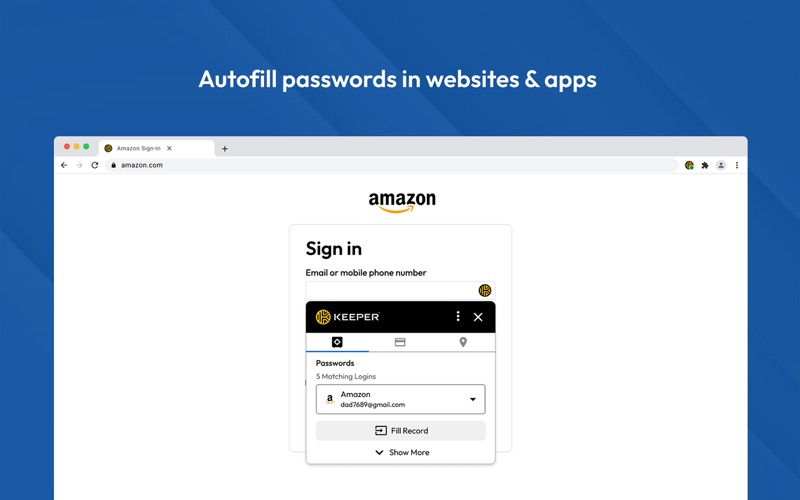
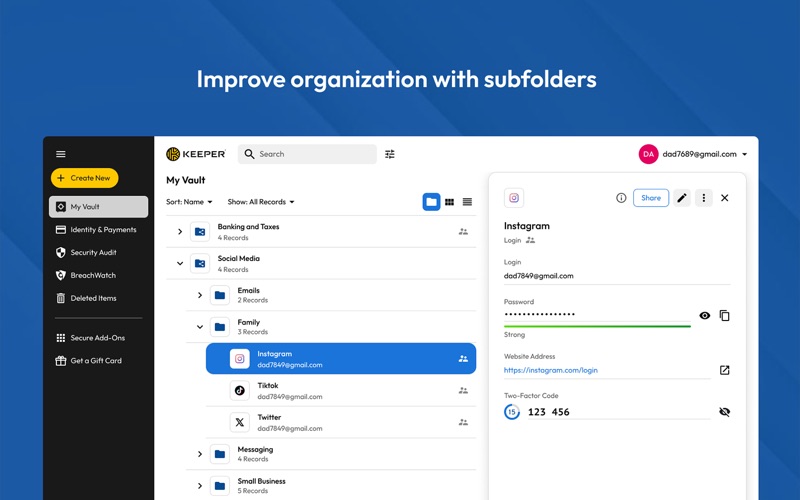
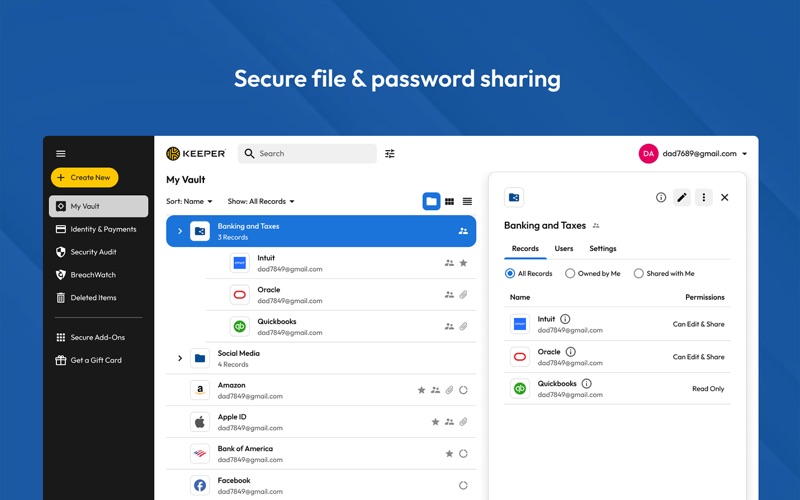
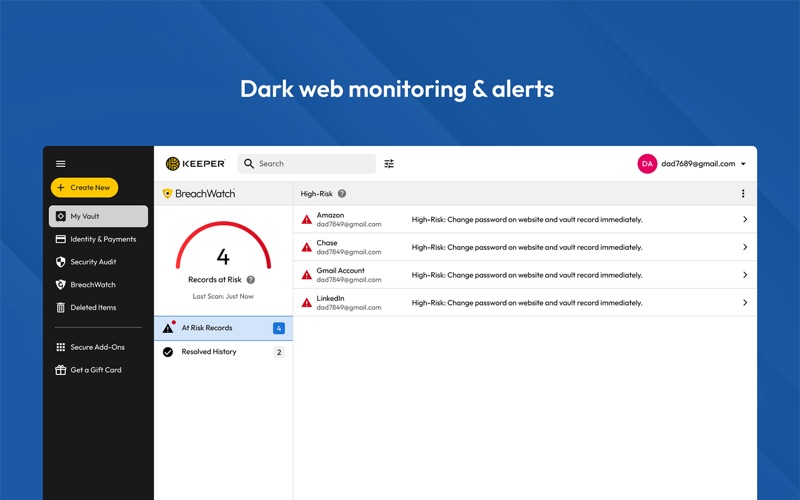
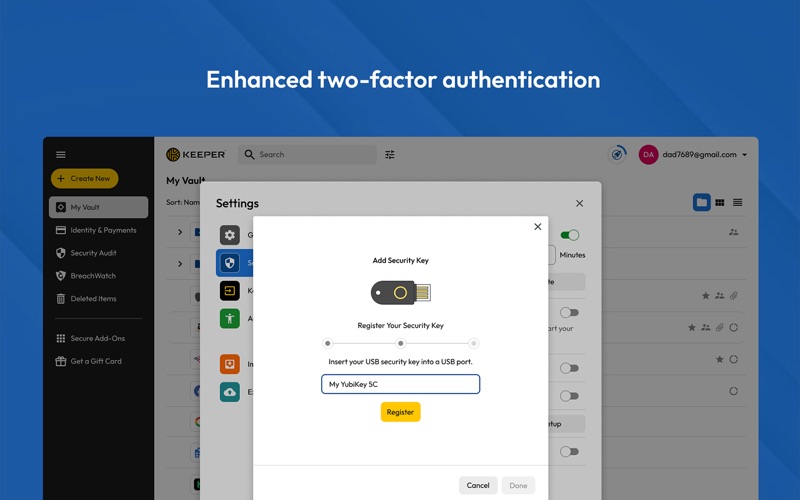
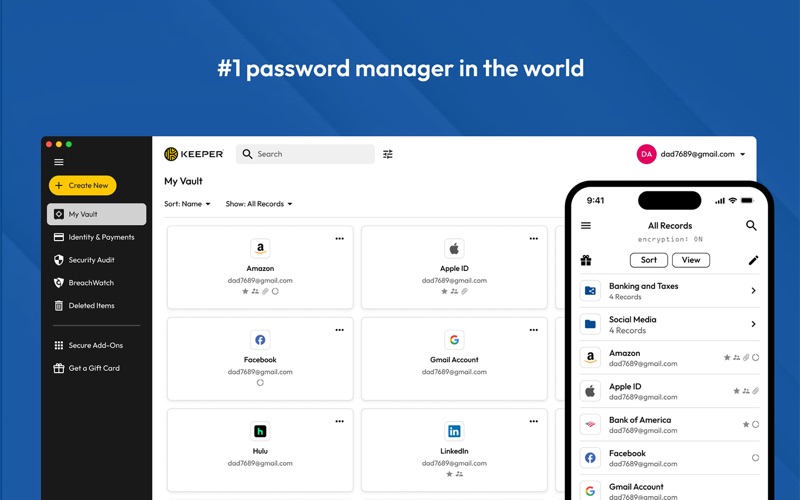
Keeper is the leading password manager, combining enterprise-grade security with real human support. Trusted by millions of people and thousands of businesses, including Fortune 500 companies worldwide. Named Password Manager of the Year by PCMag and Top-Ranked Identity Security Solution by Newsweek. SIGN IN INSTANTLY Generate strong, unguessable passwords and passphrases with one tap, then autofill them in Safari and other apps. Create and save passkeys that sync across all your devices. Scan a QR code to capture TOTP codes directly in your vault without switching between apps – Keeper autofills them automatically every time you log in. WORLD-CLASS SECURITY Every record is encrypted on your device before it ever touches our servers – unreadable to everyone, including Keeper. Protect your vault with hardware security keys like YubiKey®. The first password manager to deploy quantum-resistant cryptography directly into the app, to protect your data in transit against quantum threats. SOC 2 Type I and II; ISO 27001, 27017 and 27018 certified; FedRAMP High Certified and GovRAMP High Authorized; and recognized in the Gartner® Magic Quadrant™ for Privileged Access Management. MORE THAN JUST PASSWORDS Keeper is your complete digital vault – store and organize your passkeys, payment cards, passports, driver's licenses, insurance cards, secure notes, SSH keys, software licenses and medical records alongside your passwords. Everything encrypted, everything searchable, everything instantly available on every device. Automatically fill payment details, addresses and forms on any website – saving you time on everything you do online, every single day. KEEPERPAM: PRIVILEGED ACCESS MANAGEMENT FOR EVERYONE KeeperPAM is a modern, cloud-native, zero-trust and zero-knowledge Privileged Access Management solution built to protect access to your critical resources, including servers, web apps, databases and workloads. Key features and capabilities that can be used directly from the desktop app include: • Password management • Secrets management • Multi-protocol privileged session management • Support for RDP, SSH, VNC, K8s and database protocols • Remote browser isolation • Just-in-time access 24/7 EXPERT SUPPORT Get help from a real Keeper expert anytime. Our dedicated support team is available around the clock, every day of the year. No bots and no week-long email chains – just professional team members who help you. DARK WEB MONITORING BreachWatch® continuously scans the dark web and alerts you the moment one of your accounts appears in a data breach, so you can change the password before cybercriminals use it. Best of all, monitoring runs entirely within Keeper's own secure infrastructure – your personal data stays completely private. SECURELY SHARE PASSWORDS AND ACCESS Share a password, passkey or file with anyone – even people who don't use Keeper – with a One-Time Share link that expires automatically. Set view-only or full edit access, revoke instantly and see changes sync in real time. Organize credentials in shared folders with nested subfolders and individual permissions for each person. No duplicate copies, no emailing passwords ever again.  Privacy Policy: https://keepersecurity.com/privacypolicy.html Terms of Use: https://keepersecurity.com/termsofuse.html

Screenshots

Reviews

  • Won’t Sync and Lost data

    1
    By Sqrl30
    I have had trouble with the app not syncing. Most recently, when I finally got it to sync, I lost all data entered since the previous sync. So frustrating.
  • Why is this a gigabyte?

    1
    By Looke14
    The tool works. But why is it so massive? The safari add-on is not great. It hangs constantly and is beyond frustrating.
  • so, so major problems

    1
    By Jonathan Oz
    When it works, it is fine, but a significant portion of the time, the context menu where It’s supposed to show the domain, and a way to easily copy and paste the relevant User ID and Password does not work. Either Keeper does not appear on the context menu, or, if it does, it does not result in the User ID and Password being inserted into the form. In those cases, I have to formally open the program, enter the master password and search for the password record and explicitly copy and paste it into the form. Early on, I attempted to contact technical support, but getting help from the developer is a multi-day chore, so I don’t even try anymore.
  • Do not purchase — consistently bad updates

    1
    By red.planet
    Every time Keeper updates, I have to go through 20 hoops to get it working again, which is exhausting. It’s an okay password manager, but that’s too much grief. Moving everything over to ProtonPass, which works better and updates flawlessly.
  • Mostly okay with some quirks

    4
    By zlatk42
    Needs some UI fixes to get 5 stars. Why do I have to copy-paste the whole item notes and cannot use selective copy-paste? How many versions will it take to fix an issue with helper app not following virtual desktops? When the app finally remembers that I do want it to run in the background and stop prompting me again and again? Things like this.
  • I like the app; I don’t like the renewal bait and switch games.

    1
    By Bully4u
    Update: it took seconds for them to fail on the customer support. I received an email stating that beause my subscription expired I had to pay (AGAIN) to re-activate it to receive support. Switching to 1Password. It appears to be the best of the worst for Mac/iOS. Filing a complaint and a request for my money back from Apple Store support. STAY AWAY and read the other comments about the sketchy billing practices. First, the good. It’s a good app. It’s easy to use. Nice interface. I can use it on al my devices. Works great for my needs. The bad. I logged into the app today to be presented with a notice that my account is “expired” and I need to renew to continue to have access to my data. Nothing ifor Keeper showing in my Apple subscriptions on either my desktop or my phone. I went to the website and logged in and the only option I was presented with was a upgrade to the Family/Business plan, which I do not need. No option for the unlimited plan, which is what I had. I went BACK to the app on my desktop, clicked the renew button and followed the renewal steps. I IMMEDIATELY got a receipt from Apple for the renewal. Keeper, however, continues to tell me that I must renew to have continued access to my data. I have emailed Keeper, but given non-existent or abysmal customer support of most things these ays, I am not hopeful of getting a satisfactory, let alone timely, response. In the meantime, I am afraid to touch the app lets I lose all of my data. So next is a complaint to Apple store support to at least get my money back, since I am going to have to replicate all this data in some other app, assuming that’s going to be possible. And I’m supposed to trust them with my sensitive data now? Not too happy. Lastly, some kind of renewal notice BEFORE cutting off my access would have been nice. Not terribly impressive. I’ll update if this gets resolved in a timely and professional way. Note that my 1 star has everything to do with the ridicuously poor renewal flim-flam, and not the app. I’d give the app itself 4 stars.
  • Limited Features and Lots of Clicks

    3
    By Matt Hsbtj
    Keeper’s UX and feature offerings are lacking compared to other options. To add a new record with additional fields requires many more clicks. I also find the automatic password generation to be outdated and quite limited. There should be more options.
  • Seriously Useful and functional

    5
    By blackstrype
    Simply put, the tool is seamless, the shortcuts are useful, and the integration of autofill makes internet and application life a little less painful. I couldn’t imagine my personal and professional quotidien without Keeper — the Keeper App makes the process of fetching one of my 150 passwords that much easier. Some small bugs solved with a restart: the shortcut cmd+shift+K, sometimes gets stuck to one desktop, leaving the impression of an unresponsive shortcut, but the dialogue has simply popped open on another desktop view.
  • Excellent App

    5
    By Aladawod
    The app is worth every penny. It is secure, fast. And MOST IMPORTANTLY, the attention to details in the design is great.
  • Robust yet easy across platforms

    5
    By FarFromFun
    I have used password managers since 2005 (yes twenty years). As stable managers came and went I moved along too. Keeper handles all my needs across Apple ecosystem platforms and google browsers. Complex enough for small business and simple enough for grand parents.

Comments

keyboard_arrow_up

Buy this script Now!