Tiny Calendar Pro

Tiny Calendar Pro

By TinyWork Apps

  • Category: Productivity
  • Release Date: 2011-08-12
  • Current Version: 7.9.9
  • Adult Rating: 4+
  • File Size: 41.55 MB
  • Developer: TinyWork Apps
  • Compatibility: Requires iOS 14.0 or later.
Score: 4.6
4.68653
From 2,383 Ratings

Description

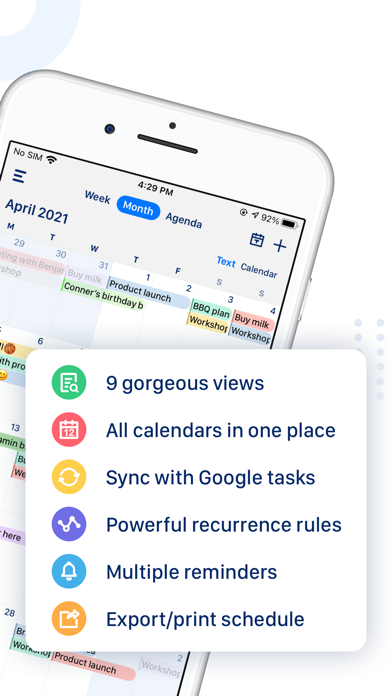
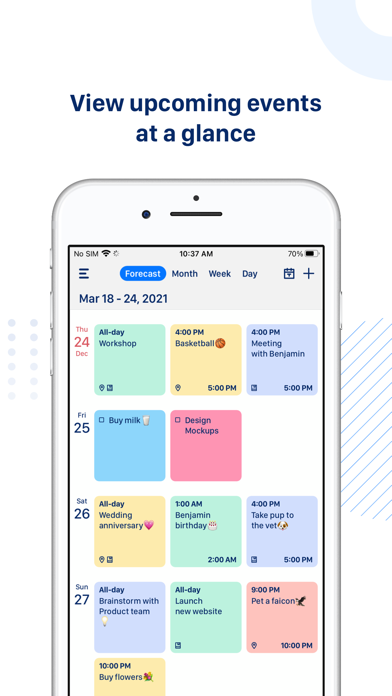
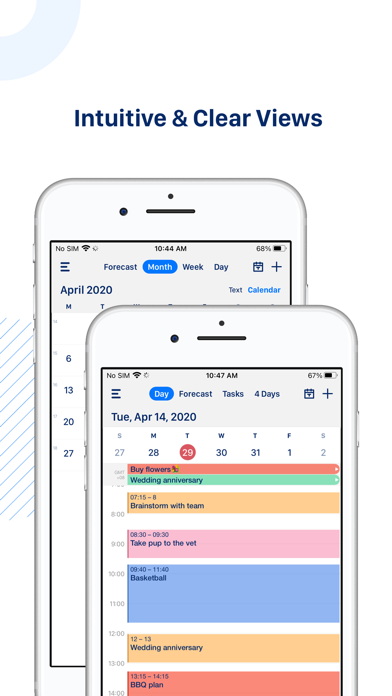
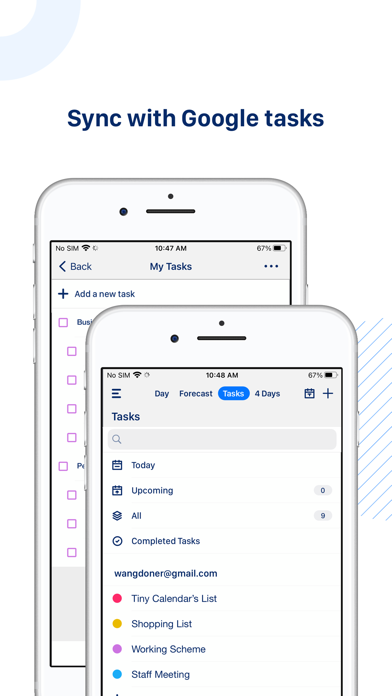
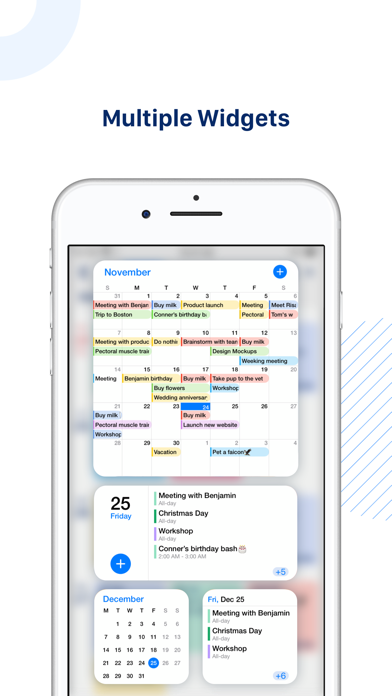
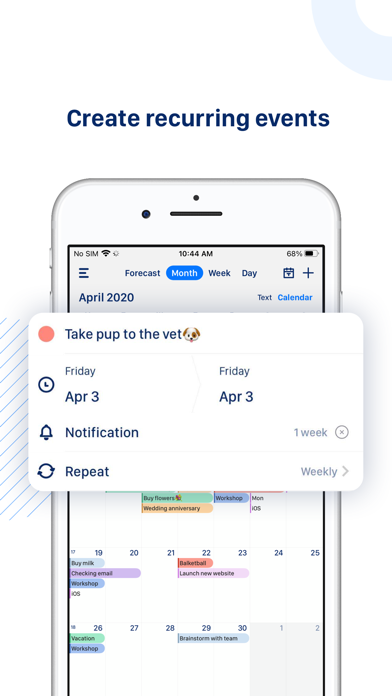
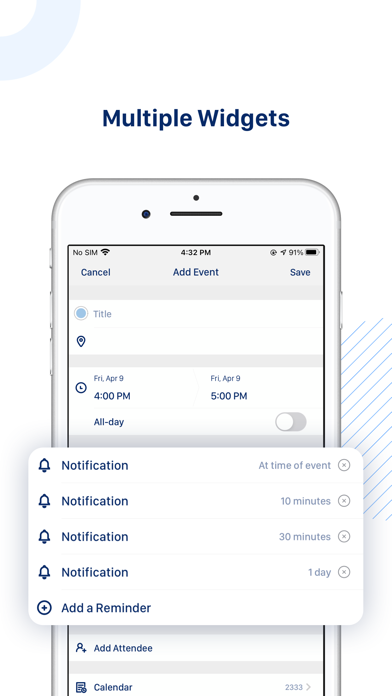
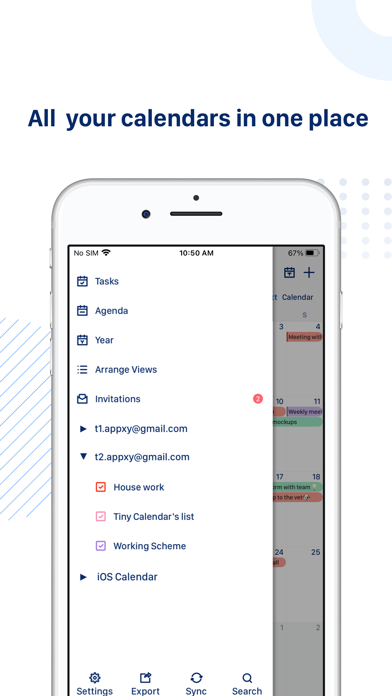
Tiny Calendar is an intuitive smart calendar works with all your calendars. It inherits the simple and clean look of calendars but makes it more accessible, powerful and reliable on your iPhone and iPad. With Tiny Calendar, you can access and manipulate your google calendar events and google tasks more easily, anyway you want. SMART ENOUGH TO CREATE Tiny Calendar has features like nature language input, drag and drop, gestures and other smart methods to predict your intention and help you create and edit your events more easily. SYNC & MANAGE GOOGLE TASKS You don’t need to download another app to manage Google tasks. MULTIPLE WAYS TO VIEW Tiny Calendar supports 9 standard views - Forecast, day, week, month, 4-days, year, mini-month, week agenda and agenda. You can instantly switch views to discover events or find a time you're looking for. REAL-TIME SYNC Tiny Calendar syncs directly with all your google calendars and also works with iOS local calendars to supports events on iCloud, Exchange and other calendars. WORKS OFFLINE You can still create, edit and delete events when you don't have an Internet connection. Tiny Calendar will cache your changes and sync back to your calendar account next time you're online. ADVANCED REMINDER SYSTEM Never forget about a meeting! Tiny Calendar allows you to set reminders via push notification, or email for all events. ACCESS FROM EVERYWHERE Tiny Calendar works with your iPhone, iPad and iPod touch. You don't need to pay extra money to download multiple copies. Privacy Policy: https://apps.fengge.io/TinyCalendar/HomePage

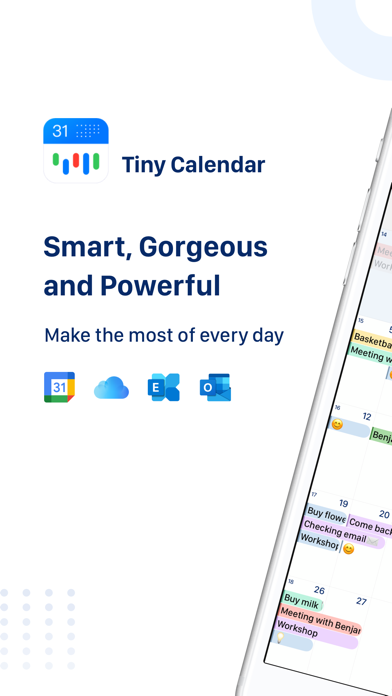
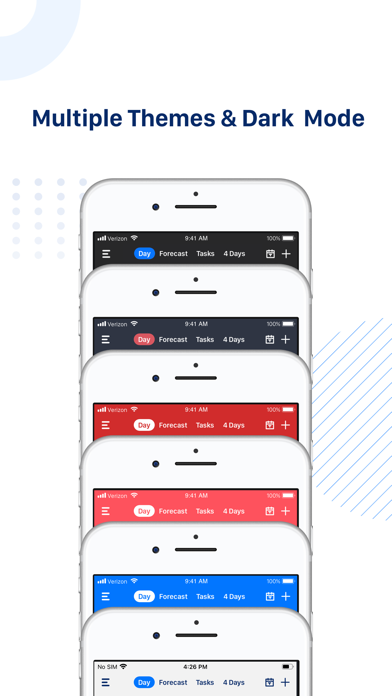
Screenshots

Reviews

  • Love it!

    5
    By Phlppns457
    Use this app every day. I can see the calendars for my whole family and plan accordingly!
  • Works perfect

    5
    By Buschen2
    Works flawlessly and easily.
  • Pretty good

    5
    By Artsirius
    Pretty good, flexible, and user-friendly. Could use just a few more add-ons to make it more flexible and adaptable. Would like to see a method of connecting in the Tiny calendar to my iPhone alert system to let me know about upcoming events. Right now The calendar alerts just work with my iPhone calendar. But otherwise pretty good.
  • Great app but colors missing

    4
    By briofiamma
    I’ve been using this app to successfully manage my Google calendars for years now. However, I’ve had a lot of issues with the colors syncing from Google Calendar over the past weeks. Currently, I can’t see the proper colors from Google Calendar in the TinyCal Pro app. That’s very frustrating, especially since TinyCal has defaulted all of my events to the default color (which is confusing & annoying). Otherwise, I love this app.
  • Just switched to Pro

    4
    By Joanie's review
    Love Tiny calendar and I too have used it for years! Took a while to train my husband, he just didn’t want to join the technology. 🤣😉. I would like to see more colors/specific calendar options.
  • Love

    5
    By 404me
    Love this calendar but can’t figure out how to change font colors.
  • Disappointed

    1
    By richybomb
    Disappointed that i paid $19.99 for this calendars app and the default iOS calendar does everything this does and for free. It also does not look like how it does in the AppStore photos. Part of me is wanting a refund for this.
  • Use it everyday!

    5
    By Deere6320p
    Great app for keeping everything organized
  • Apple ios18

    5
    By Kasomo
    Does not work with Apple ios18
  • great calendar

    5
    By rich schiller
    I have had your Tiny Calendar Pro for years. question: how do I change the name on my chosen colors

Comments

keyboard_arrow_up

Buy this script Now!