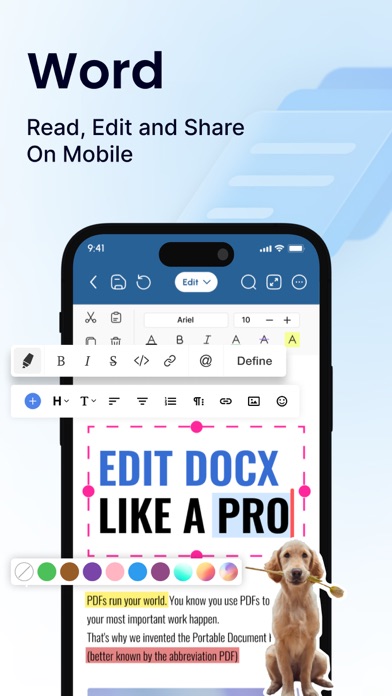
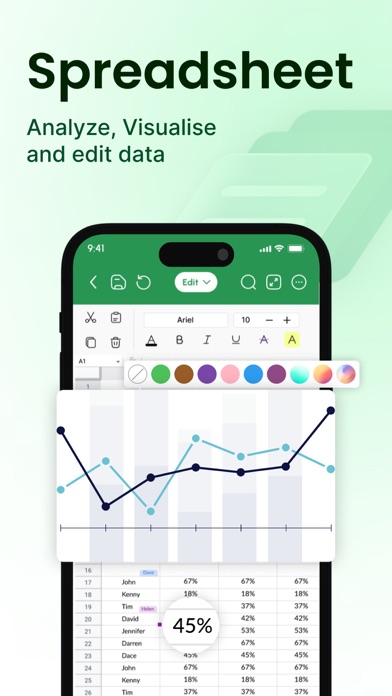
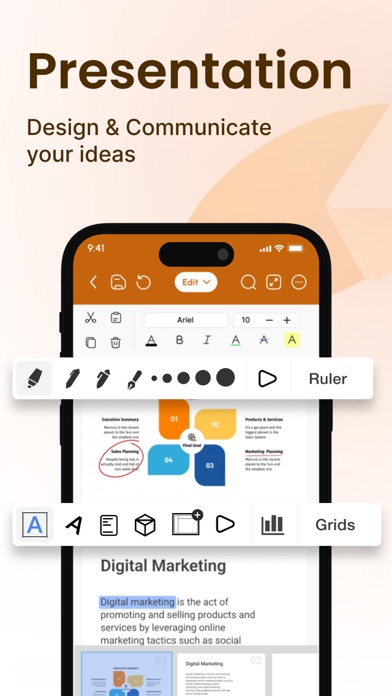
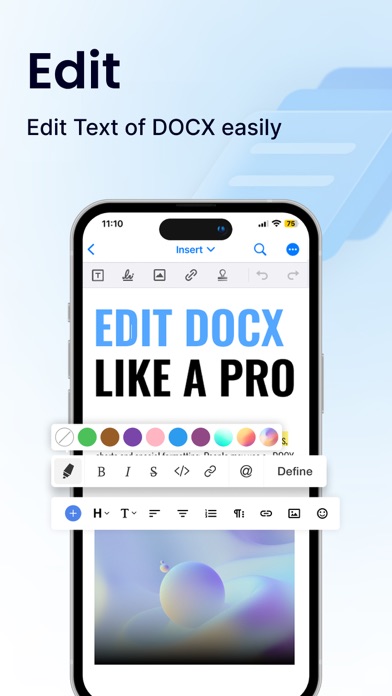
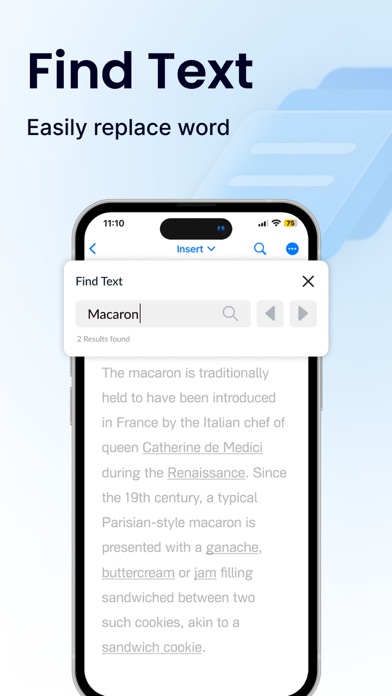
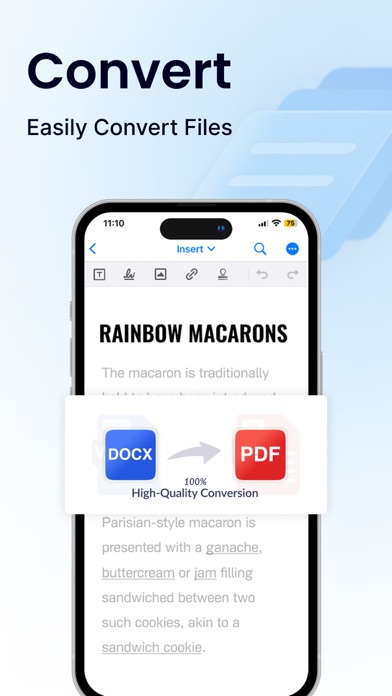
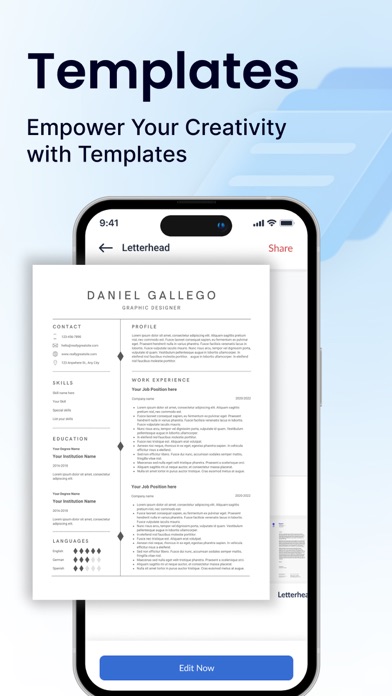
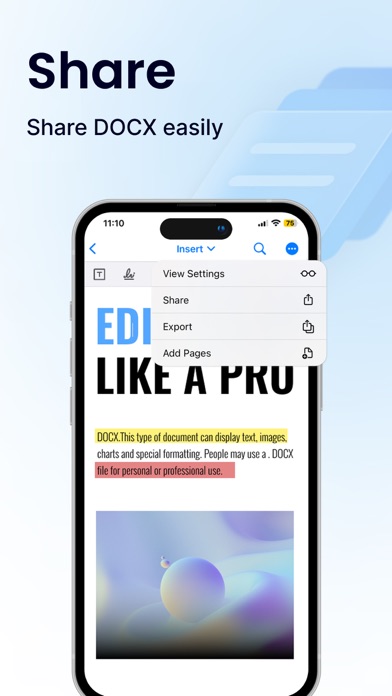
Office Word: Edit Word Documents is a powerful and user-friendly app that lets you create, edit, view, share, and manage your documents and files on the go. Whether you're one busy professional crafting reports and proposals, a student juggling assignments, or simply need to jot down quick notes, this app equips you with everything you need to conquer your docs needs. 1. Interface and Formatting Tools Sleek and intuitive interface for effortless document and file navigation and editing. Variety of formatting tools to customize and edit your Word docs (fonts, text sizes, bold, italic, underline, highlight). Ability to seamlessly insert tables, images, and charts into your Word files. 2. Collaboration Features Real-time collaboration capabilities to create, edit, or annotate documents simultaneously with team members. Commenting directly on specific parts of the document or file to facilitate clear communication and feedback. 3. Security Options Password protection for your Word files to ensure security. Two-factor authentication for authorized access to your documents. Robust security features to keep your documents safe. 4. Personal and Professional Use Suitable for both personal and professional document and file creation and editing. Ideal for students, freelancers, and business owners to edit, create, or manage their documents. Seamless integration with popular cloud services like Google Drive and Dropbox for easy document and file sharing. 5. Free trials and subscriptions Try out all paid features for free for 3 days to experience the power of editing your documents and files. Select a plan that best suits your needs to edit or create Word docs. Cancel anytime without any obligations. Subscription will be charged to your credit card through your App Store account. Your subscription will automatically renew unless canceled at least 24 hours before the end of the current period. Manage your subscription in the Account Settings on the App Store after purchase. Here's what makes Office Word: Edit Word Documents stand out: Effortlessly create, edit, view, share, and manage Word docs. Collaborate in real-time with colleagues on documents and files. Ensure security with password protection and two-factor authentication for your Word docs. Manage documents and files for personal or professional use. Enjoy a free trial and flexible subscription options. Read and manage all file formats such as Word, docx, pdf, xls, pptx, etc. Create professional resumes and cover letters with existing templates. Empowering Users in Every Role: Students: Streamline your workflow and excel in your studies with this powerful mobile app. Effortlessly create, edit, view, and share all your school documents. Manage or edit assignments, take clear and organized notes, and create polished reports and presentations that will impress your professors. Freelancers: Enhance your workflow and productivity with Office Word: Edit Word Documents. Create, edit professional Word documents, proposals, and invoices, leaving a lasting impression on clients. Work efficiently with clients, deliver high-quality projects on time, and manage your freelance business effectively with seamless file sharing and collaboration features. Create, edit, view, and share all your freelance docs and files on the go, keeping you organized and on top of your projects Business Owners: Manage essential word files, collaborate with teams across locations, and create impactful presentations to showcase your business with Office Word: Edit Word Documents Additional Information • Link to the app's Terms of Use - https://blog.a1apps.co/terms-of-use-office-wordedit-word-document/ Link to the app's Privacy Policy - https://blog.a1apps.co/privacy-policy-office-wordedit-word-document/ Download Office Word: Edit Word Documents today and experience the future of mobile document and file management!