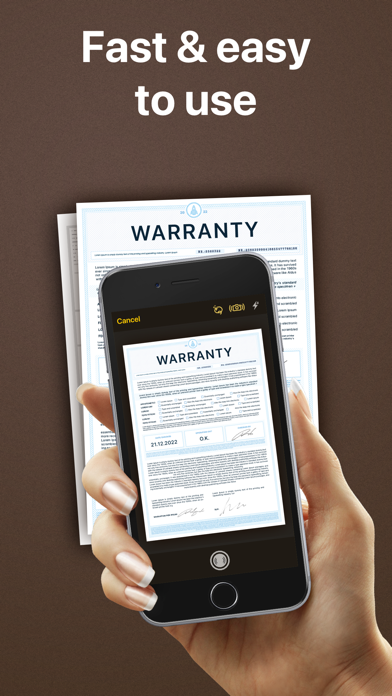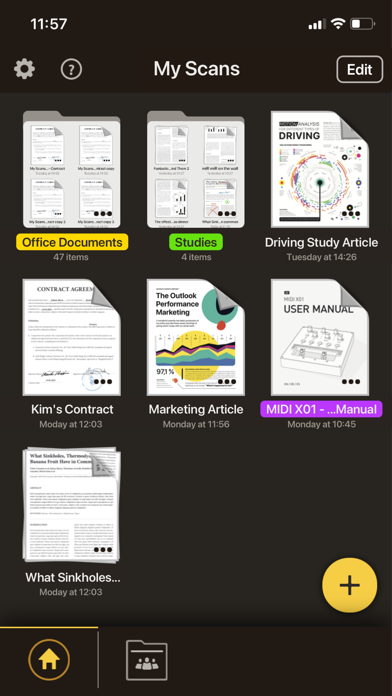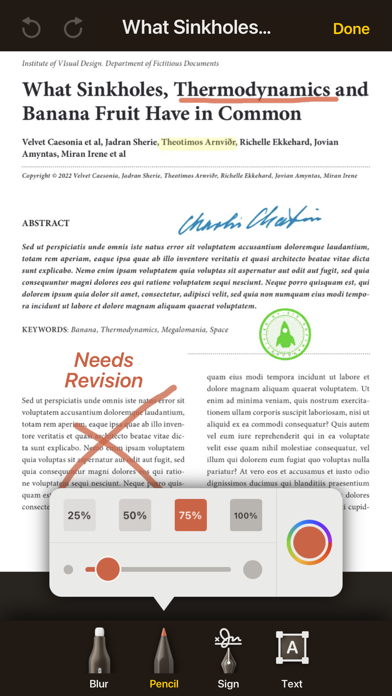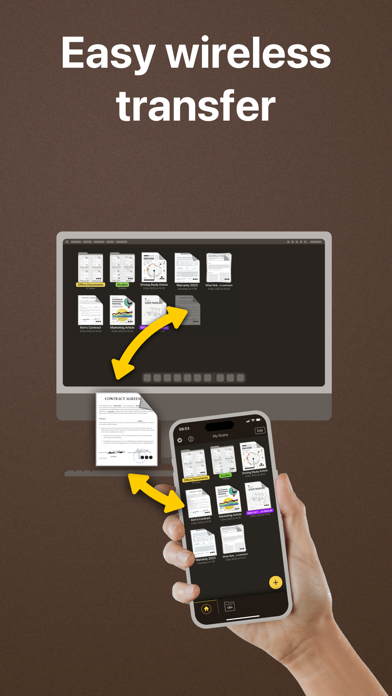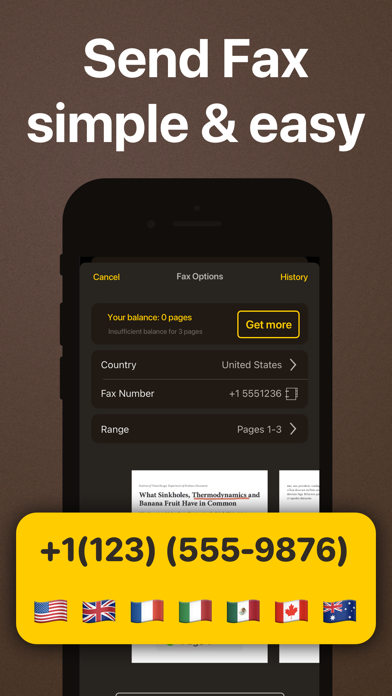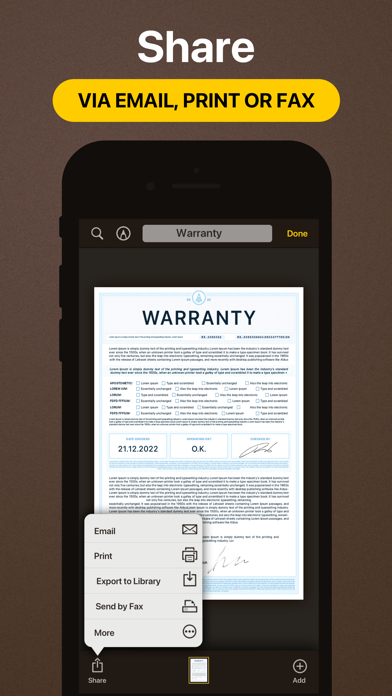
My Scans is the best Document Scanner and Document organiser for iPhone and iPad! It is super simple to use. Just take a photo of a document, invoice, business card, bill, contract or memo and save it. My Scans will do the rest. It detects edges and converts photos to a (searchable **) PDF document. You can send documents by email or print them anytime you want **. With My Scans Cloud you can synchronise documents between your devices, access files on your computer via a Web browser, collaborate with others using shared folders and share or receive files through Download and Receive links *. From now on you will have all the documents you always need in your pocket! Main features: - Automatic document edge detection and crop - Create searchable PDF document ** - Multiple pages in a single document - Amazing file and folder organiser - Share your documents as Images / PDFs ** - Print documents from the device ** - Send documents via built in fax. - Search the document ** - Cloud collaboration (group documents) * - Cloud sharing (share only link to files and folders) * - Cloud backup * - Cloud access documents via browser (no app needed) * - Synced documents on multiple devices * Top App Cloud features: - Cloud collaboration (group projects) - Cloud sharing (share only link to files and folders) - Cloud backup - Cloud access projects via browser (no app needed) - Synced projects on multiple devices Top App Cloud Subscription: - $2.99/month or $19.99/year - Payment will be charged to your iTunes Account at confirmation of purchase - Subscription automatically renews unless auto-renew is turned off at least 24-hours before the end of the current period - Account will be charged for renewal within 24-hours prior to the end of the current period, and identify the cost of the renewal - Subscriptions may be managed by the user and auto-renewal may be turned off by going to the user's Account Settings after purchase - No cancellation of the current subscription is allowed during active subscription period - Privacy policy and Terms of service: http://www.topapp.si/privacy/ * Only available if Top App Cloud service is enabled. ** Only available when My Scans Free is upgraded to full version or in PRO version of My Scans