
TickTick:To-Do List, Calendar

TickTick:To-Do List, Calendar

By Appest Limited

  • Category: Productivity
  • Release Date: 2016-03-04
  • Current Version: 8.0.60
  • Adult Rating: 4+
  • File Size: 67.72 MB
  • Developer: Appest Limited
  • Compatibility: Requires iOS 10.15 or later.

Description

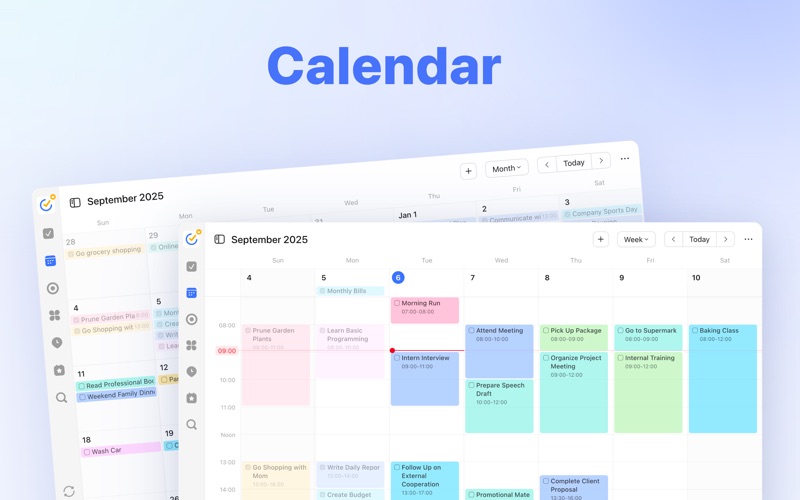
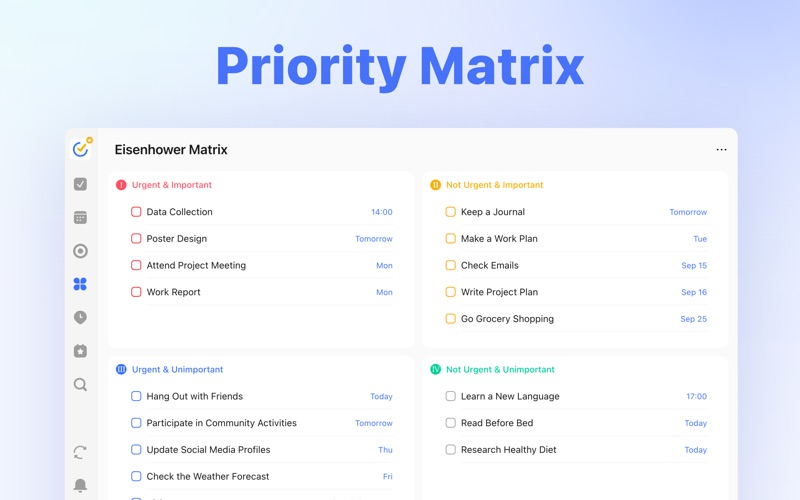
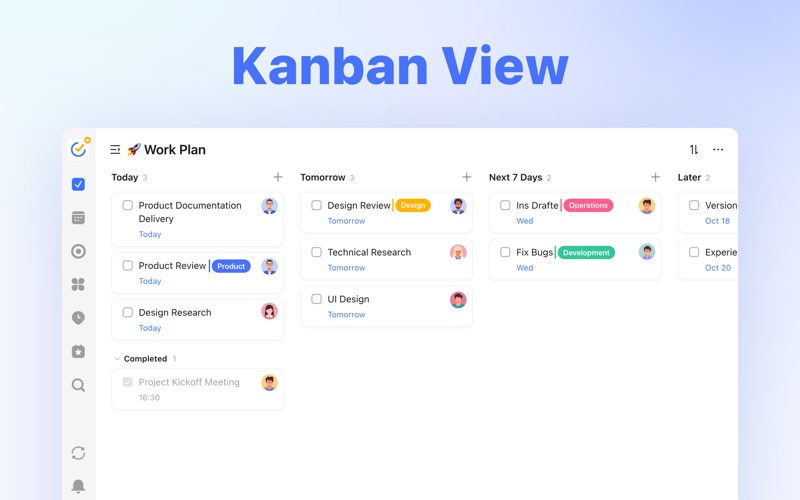
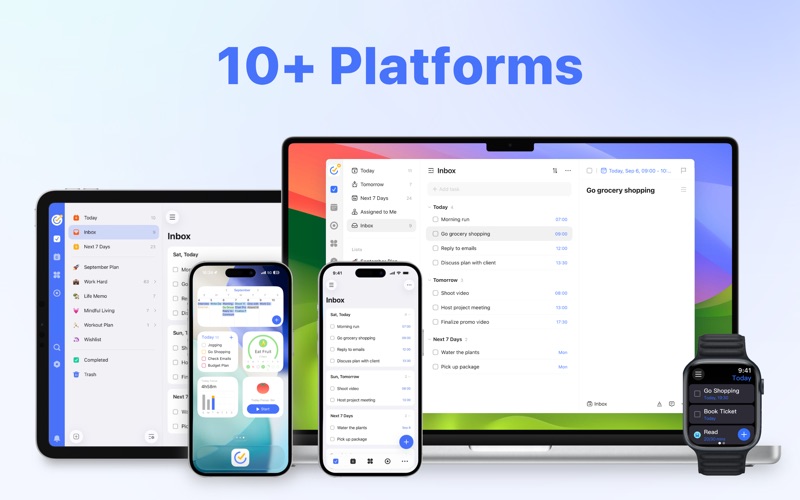
Design exclusively for macOS, TickTick is your daily must-have to-do & task list to get all things done. TickTick can be accessed on more than 10 different platforms including Mac, iPhone, iPad, Apple Watch which enables you to manage tasks on all your devices/Web. Key features: - Add task via shortcut (Command+Shift+A) - Instant reminder - Set priority levels to tasks - Set flexible recurring tasks - Create checklists within tasks - Sort tasks by order/date/name/priority - Sync all your tasks across all devices - Keep track of birthdays, anniversaries with countdown TickTick is free but you can also upgrade to Premium account for full access of premium features for $2.99 a month or $27.99 a year through an auto-renewing subscription. Premium Features: - Grid view and Timeline view of calendar - Duration - Custom Smart List - Description for checklist - Reminders for sub-tasks - More lists and tasks (299 lists, 999 tasks in each list, 199 subtasks in each task) - Add at most 5 reminders to each task - Share a task list up to 19 members for better task collaboration - Upload up to 99 attachments every day - Add more than 5 habits - Add more than 5 countdowns Subscriptions for Premium account will be charged to your credit card through your iTunes account. Your subscription will automatically renew unless cancelled at least 24-hours before the end of the current period. You will not be able to cancel a subscription during the active period. You can manage your subscriptions in the Account Settings after purchase. How TickTick makes you productive: - Get all things done - Never miss a schedule - Make work more productive - Keep life on track Connect with us: Facebook: https://www.facebook.com/TickTickApp X (Twitter): https://x.com/ticktick@TickTick Help Center: https://help.ticktick.com/ Privacy Policy: https://www.ticktick.com/about/privacy Terms of Use: https://www.ticktick.com/about/tosDesign

Screenshots

Reviews

  • Yes

    5
    By Ballad of Lucy Grey
    Good. Help with press. Very good. Yea. Yaaaaaayaaayyayayayayayayayayayay
  • Cleanest planner App

    5
    By Thunderbitheroe
    Have been using for roughly 2 years now, and it makes everyday planning much simpler than before. 10/10
  • 希望可以买断

    5
    By Shawn’s iPhone
    买断制
  • Seems useful

    4
    By ACommonReader
    There is learning curve but plenty of resources to help me learn how to best use this tool. Definitely seems helpful and more detailed (so a bit more complicated) than Structured. Will update after I have more time with this.
  • Not doing what I had hoped it could

    1
    By Mumzie4
    Not using the app and now stuck with it and not happy with it.
  • Great app, broken sort functionality

    3
    By Alej0k
    Almost all of the features I’ve wanted in a todo app are elegantly built into TickTick. One sticking point, however, is that sorting lists by priority is broken in both the Android app and the OS X app. If that were fixed I’d change it from 3 to 5 stars.
  • Almost perfect.

    5
    By Bil59
    Love the calendar view. Love that you can customize the layout and look. If you like the “badges” and “achievements” then this app is for you. If I could disable the “badges” and “achievements” nonsense, I would not be using Things 3 right now.
  • One of the BEST Apps Ever

    4
    By Karebear26!
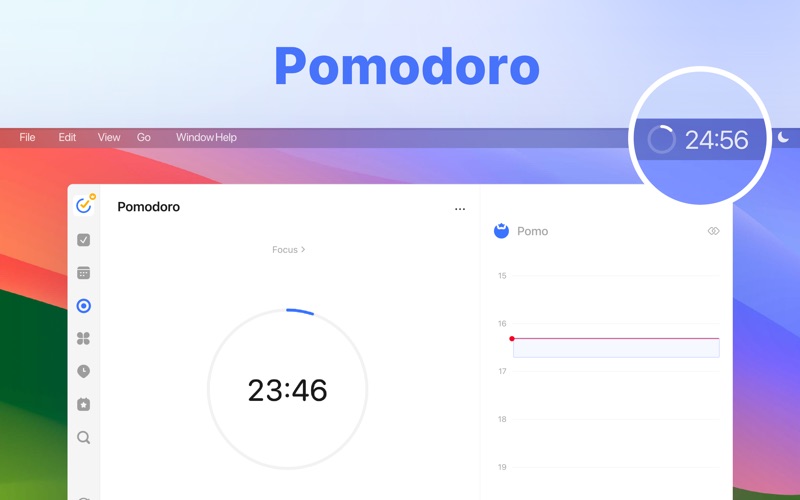
    I have many things I need to manage and I have ADHD so the Pomodora timer is perfect right in the app! So many thing to say. My only negative FOR ME is the esthetics I wish I could change font or something because it feels clunky and could be a little more user friendly in the user face HOWEVER still the best.
  • Exploring TickTick

    4
    By g1y9p5s9y
    I’ve been using TickTick for several days and I’ve already made several suggestions. So far, I find it so-so. I don’t see it doing much more than the free ToDo app, but I’ll give it more time, especially if they implement any of my suggestions. My suggestions include to add an “Undo” function and to add the ability to enter an address for a task in the Calendar so that we can click and automatically get to a navigation app. I can currently do this is any calendar, so I’m assuming it can be done within the TickTick app.
  • Poor

    1
    By Owlowo
    Don’t use this for Mac

Comments

keyboard_arrow_up

Buy this script Now!