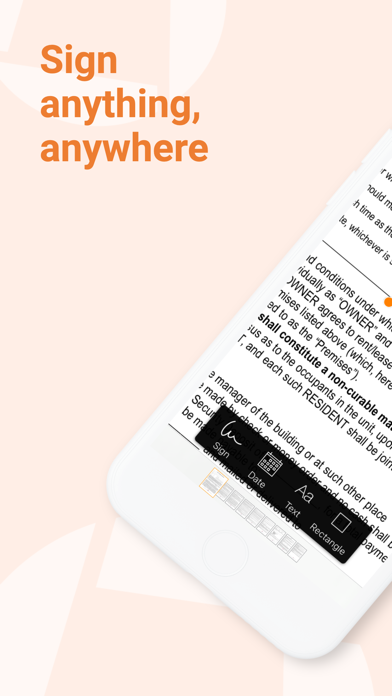
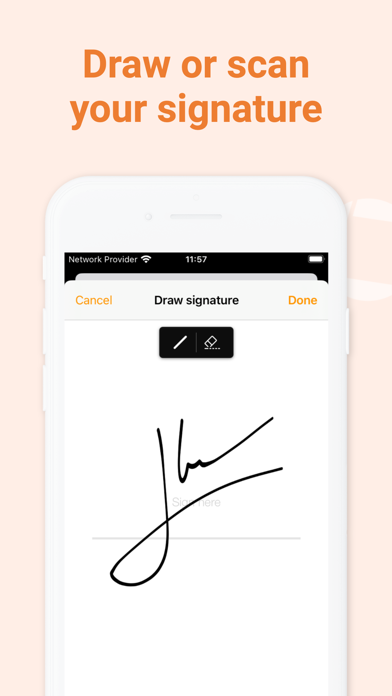
Genius Sign is the best app to sign, date, and annotate your documents. “Genius Sign shaved off about 30 min of my daily routine.” – Jane D., realtor “I wish I had known about this app before” – Mike C., business owner. Have you ever had to print a contract you received by email, to be able to sign it and scan it before sending it back? Well, Genius Sign is now going to save you a lot of time, trouble, and paper. With Genius Sign, import any document, insert your signature, some text, the date, and export it wherever you need to. To sign, draw your signature on the screen with your finger. You can also scan your actual handwritten signature with our award-winning scanning technology for a realistic rendering. Genius Sign features two smart technologies that save you tons of time: “Sign Here” magically detects the pages you need to sign, avoiding you to browse through the entire document. “Auto Repeat” enables you to repeat your initials on all the pages. Genius Sign is free to use and has no limit on the number of documents or signatures that you can manage. Should you be interested in the premium features, you can decide to upgrade to Genius Sign+. FEATURES: - Create and save new signatures, either by drawing or scanning them. - Import PDF, Word or image documents. - Insert text and date, change their format, color, style or size. - Precisely position your annotations. - Quickly locate the signature fields with our Sign Here feature. - Import documents from Genius Scan, your Photos library or any cloud service. - Export your documents by email or to other apps. PREMIUM FEATURES: + Have guests sign documents without keeping their signature in the app. + Flatten annotations so that no one can modify them. + Repeat your initials on every page of a document. + Export to your favorite cloud service (Box, Dropbox, Evernote, FTP, Google Drive, OneDrive, OneNote, SugarSync, WebDAV). + Print documents with AirPrint. + Duplicate documents with or without their annotations, to reuse them as templates. + Password-protect and encrypt your PDF files. + Protect Genius Sign with Face ID, Touch ID, or with a passcode. We read and reply to every support email that we receive, and we are looking forward to your feedback. Contact us at any time at support@geniussign.com. Terms of use: https://www.apple.com/legal/internet-services/itunes/dev/stdeula/