Screen Recorder Z - Livestream

Screen Recorder Z - Livestream

By EVOLLY.APP

  • Category: Utilities
  • Release Date: 2019-08-30
  • Current Version: 1.5.6
  • Adult Rating: 4+
  • File Size: 68.14 MB
  • Developer: EVOLLY.APP
  • Compatibility: Requires iOS 15.0 or later.
Score: 4.4
4.42551
From 9,325 Ratings

Description

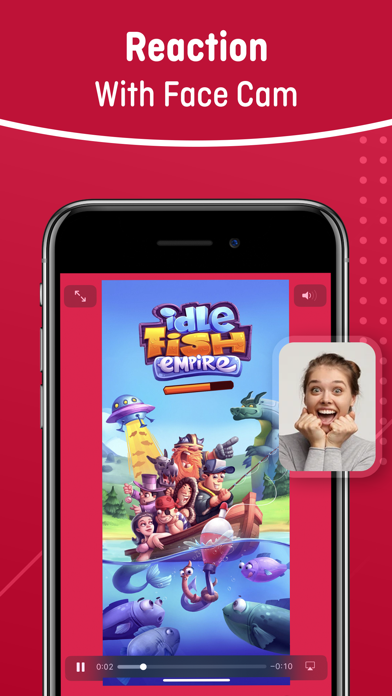
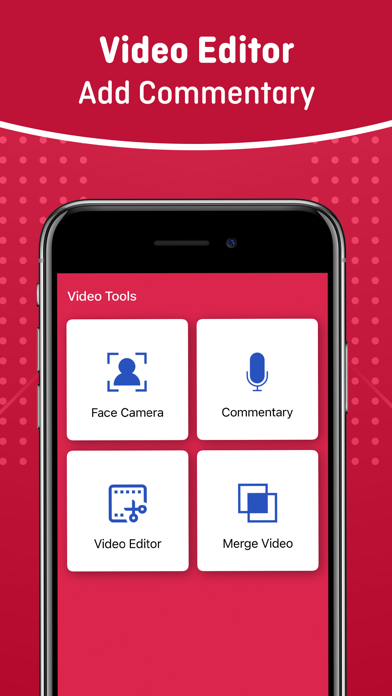
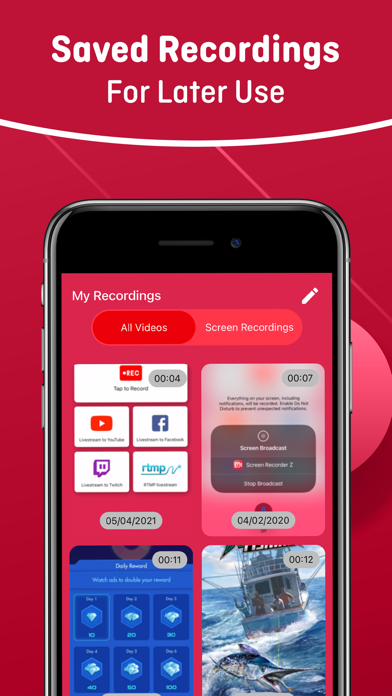
Screen Recorder Z is a simple and effective screen recording and live streaming app with powerful features. Record anything on your screen with a single tap, including games, apps, tutorials, and more. Live stream to YouTube, Facebook, and Twitch with your phone screen and camera. Add face-cam reactions and audio commentary to your recordings for a more engaging experience. Edit your videos with ease by trimming, cropping, and merging clips. Share your recordings to Camera Roll, YouTube, and other social networks. *** PREMIUM SUBSCRIPTION *** You can upgrade to Premium by subscriptions or onetime payment a monthly subscription comes with a 3-day free trial a yearly subscription comes with a 3-day free trial – Payment will be charged to iTunes Account at confirmation of purchase. – Subscription automatically renews unless auto-renew is turned off at least 24-hours before the end of the current period. – Account will be charged for renewal within 24-hours prior to the end of the current period, and identify the cost of the renewal. – Subscriptions may be managed by the user and auto-renewal may be turned off by going to the user’s Account Settings after purchase. – Any unused portion of a free trial period, if offered, will be forfeited when the user purchases a subscription to that publication, where applicable. Privacy: https://evolly.app/privacy-policy/ Terms: https://evolly.app/terms-of-service/

Screenshots

Reviews

  • Thank you❤️

    5
    By farthegoat
    You are the reason I get to post gameplay videos❤️ by the way, I would really appreciate it if you would stop spamming me with these. How do you like Screen Recorder Z😡🔪
  • my account was being recorded from this app

    2
    By Jeff the guy that got fkd
    ots good bit i literally got hacked by a remote desktop and had like 15 people attached to my account theu various wifi and bluetooth devices all screening my phone and computer and car stereo
  • ᴛʏsᴍ

    5
    By 🌸Pinkplampuff🌸
    ɪ ɢᴏᴛ 100ᴋ sᴜʙ's ʙᴇᴄᴀᴜsᴇ ᴏғ ᴛʜɪs ᴀᴘᴘ
  • I love it

    5
    By Chicken feeder 
    I love it, but the thing is every time I try to rotate it so I can share it to YouTube so I can make my YouTube videos. It doesn’t have sound.
  • Perfect screen recorder

    5
    By Nicholaś Stewart
    Very straight forward and easy to use. been using this for about 2 years now and never had an issue, would highly recommend.
  • Won’t record vertical format..?

    1
    By DayDay938
    I recorded a tutorial with my iPad in vertical format and the app squished my recording to barely fit or look good in horizontal. I tried adjusting the “canvas” and it still looked awful.
  • Bleehhhh

    4
    By Nuggetnova34
    It was good, but after a while, I exported it into an app that I used to edit and it wouldn’t have any sound but overall it’s really great
  • Good

    5
    By Biobaga
    Good
  • Horible

    1
    By Mad person805
    It doesnt let me stream at all cus im not paying subscription
  • I’ll turn to 5 if u fix it

    4
    By Midnight_eye_yt
    Pls pls pls pls pls fix the bug where it won’t let me actually keep my voice recorded audio over the videos i record… pls pls pls pls pls fix this bug pls pls pls!!! I beg of you!!!

Comments

keyboard_arrow_up

Buy this script Now!