Microsoft Translator

Microsoft Translator

By Microsoft Corporation

  • Category: Productivity
  • Release Date: 2015-08-06
  • Current Version: 26.2.1
  • Adult Rating: 4+
  • File Size: 28.64 MB
  • Developer: Microsoft Corporation
  • Compatibility: Requires iOS 17.0 or later.
Score: 4.7
4.75072
From 158,325 Ratings

Description

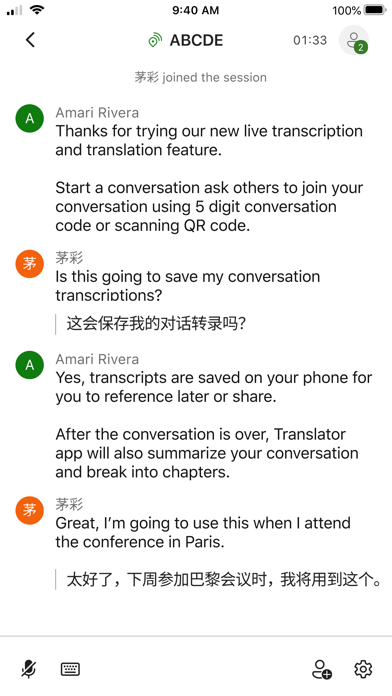
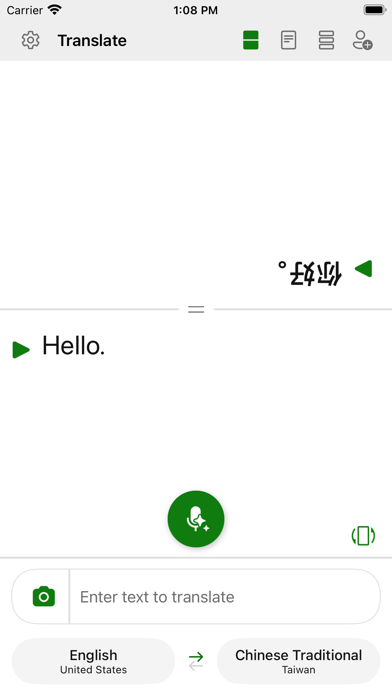
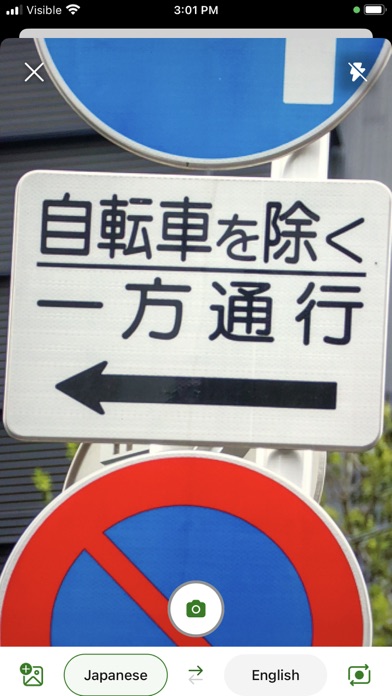
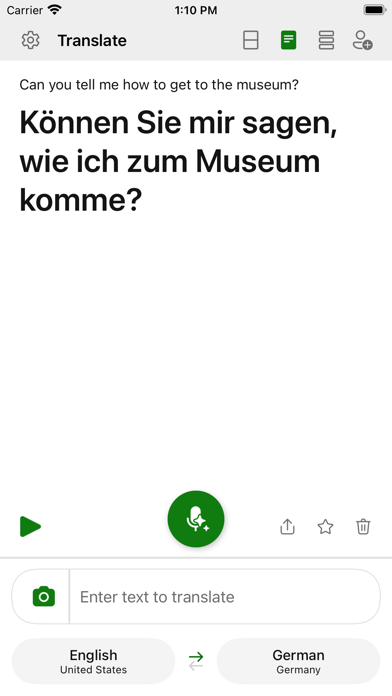
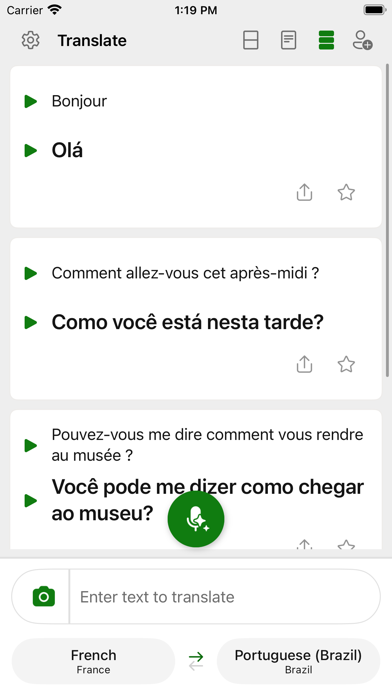
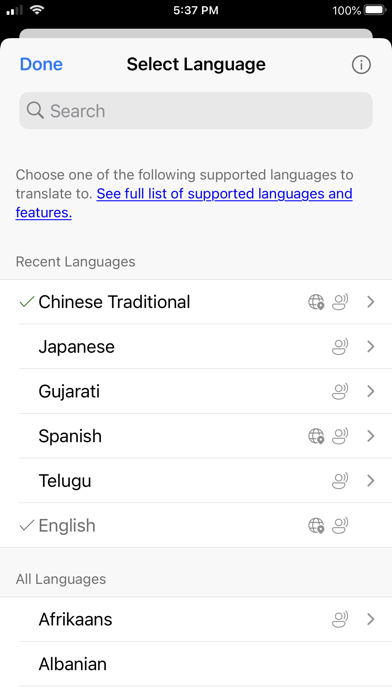
Need to communicate with someone who uses a different language? Microsoft Translator is here to help you break through language barriers and connect with people from around the globe. Microsoft Translator allows you to translate text, speech, images, and group conversations in over 100 languages - for free. Whether you’re traveling and need help understanding a menu or navigating unfamiliar streets, or you’re trying to communicate with a colleague at work or school, Microsoft Translator has you covered. Download it now and see how it can help you break language barriers, stay on top of group conversations by navigating easily within transcripts via chapters.With an intuitive interface and real-time accurate translations, Microsoft Translator makes it easier to communicate with confidence. Plus, use features like chapters and transcripts to navigate within group conversations to stay on top of the conversation. Don’t let language barriers hold you back. Download Microsoft Translator now and see how it can help you connect with people from different cultures and backgrounds. With support for over 100 languages (https://aka.ms/applanguages), you’ll be able to communicate with ease no matter where you are in the world.

Screenshots

Reviews

  • Issue detecting Spanish in Conversation Mode

    1
    By Niksoler
    Having issues since the last update of not working as it used to the spanish detection for different language and keep the conversation going.
  • Why

    5
    By Jajjajkakka
    Since the update it has many error just translates from one language no 2 like it used to be before
  • Won’t auto play the translated text

    2
    By Chrisbird37
    When translating a big sentence I have to click the play button every time and if I begin to speak again or if there is any other sound in the room it will overwrite it if I don’t hit the play button fast enough, have the auto play setting on too it’s just unusable until that’s working. Google translate has the same problem.
  • The text exceeded the maximum length of 1000 characters. Please use shorter text OK

    1
    By HighwayBoss
    The text exceeded the maximum length of 1000 characters. Please use shorter text OK
  • gelişsin

    2
    By Begululu
    Neredeyse hiçbir kelimeyi bilemiyor sadece A2, B1 tarz basit kelimeleri çeviriyor acil durumlarda mesela çok yabancı ortamdayım sizi zor durumda bırakiyor tavsiye ETMEM
  • Speed of Spoken Phrases

    3
    By mantislegs
    I am seriously frustrated. I have tried and tried to find where to slow down the speed of the spoken words (to better learn them) and I can not find anywhere to do this. I was advised to poke the arrow next to a phrase after a spoken phrase. It didn’t work. I tried looking under the gear symbol, no where to alter speed of speech. I am frustrated!!!!
  • Stopped working

    3
    By Doj2222
    The app used to work great!! It’s no longer utilizing the microphone accurately. Only hears a few words
  • Getting worse

    3
    By Dirtmovie
    I used to be a fan of this app but it’s gotten much worse. It’s making obvious mistakes, hearing English when Spanish is spoken, even when sets are Spanish to English. I’m now using the Apple translate instead.
  • Very bad

    1
    By Worst translating app🤬
    I had arabic homework it and it said really bad things like there is no god and we are the prophets parents i want this app to be fixed or im suing…
  • Offline mode???

    1
    By He'd briskest
    Offline mode development was mentioned in 2016… wtf

Comments

keyboard_arrow_up

Buy this script Now!