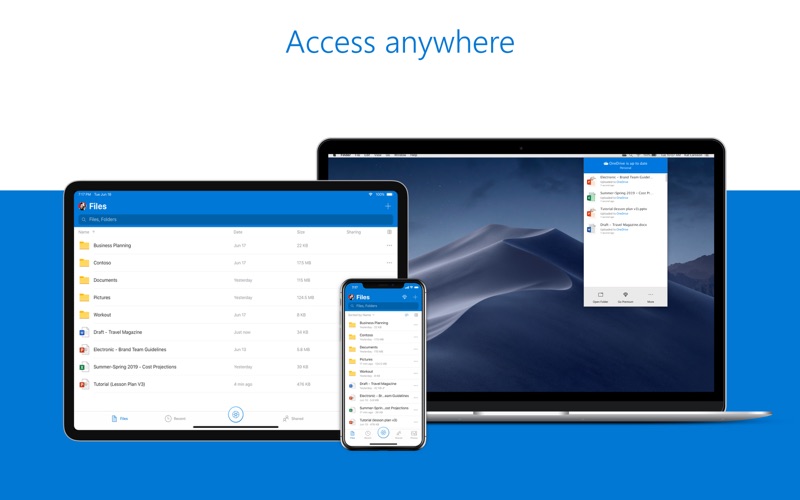
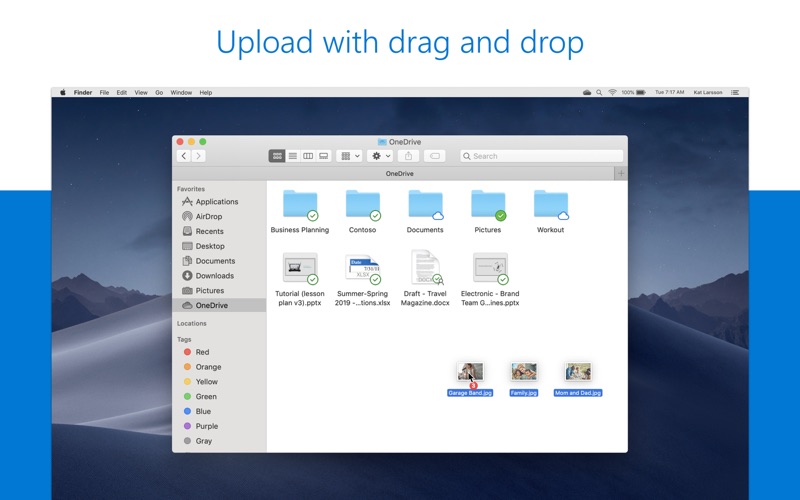
Start with 5 GB of free cloud storage or upgrade to a Microsoft 365 subscription to get 1 TB of storage. Microsoft 365 includes premium Microsoft 365 apps, 1 TB cloud storage in OneDrive, advanced security, and more, all in one convenient subscription. With Microsoft 365, you get features as soon as they are released ensuring you’re always working with the latest. Microsoft OneDrive keeps your files and photos backed up, protected, synced, and accessible on your Mac and across all your other devices. Easily share documents, photos, and other files with friends, family, and colleagues. Know that your files are safe with advanced security features that protect what’s important. Protection and Security • Your OneDrive files are backed up and available even if something happens to your Mac. • Your files are encrypted in OneDrive. • Keep important files secured with Personal Vault.** • Restore documents with version history. • Stay protected with ransomware detection & recovery.* Access • Access your files using Finder in Mac OS, OneDrive online or in the mobile app. • Access files offline on your smartphone, Mac, or tablet. • Save local space on your Mac with Files On-Demand. File sharing • Share docs, photos, videos, and albums with friends and family. • Work in the same document with others in real time with Microsoft 365 apps. • Get notifications when a shared document is edited. • Set password-protected or expiring sharing links.* • Keep files private in OneDrive unless your share them Microsoft 365 Apps • OneDrive works with Microsoft Word, Excel, PowerPoint, OneNote and Outlook. • Access, back up, view, save. and share your Microsoft 365 documents. • Collaborate in real time on Word, Excel, PowerPoint, and OneNote files stored in OneDrive. *Requires a Microsoft 365 subscription **Mac users can access and use Personal Vault by visiting onedrive.com on a browser. Learn more about Microsoft 365 Microsoft 365 is a cloud-based subscription service that brings together premium versions of Word, Excel, PowerPoint, Outlook and OneDrive, with the best tools for the way people work today. Please visit: http://go.microsoft.com/fwlink/?linkid=2015120 for information on Licensing Terms. Unlock the full Microsoft 365 experience with a qualifying Microsoft 365 subscription for your phone, tablet, PC, and Mac. Microsoft 365 annual subscriptions purchased from the app will be charged to your App Store account and will automatically renew within 24 hours prior to the end of the current subscription period unless auto-renewal is disabled beforehand. You can manage your subscriptions in your App Store account settings. This app is provided by either Microsoft or a third-party app publisher and is subject to a separate privacy statement and terms and conditions. Data provided through the use of this store and this app may be accessible to Microsoft or the third-party app publisher, as applicable, and transferred to, stored, and processed in the United States or any other country where Microsoft or the app publisher and their affiliates or service providers maintain facilities. Please refer to the Microsoft Software License Terms for Microsoft 365. See “License Agreement” link under Information. By installing the app, you agree to these terms and conditions.