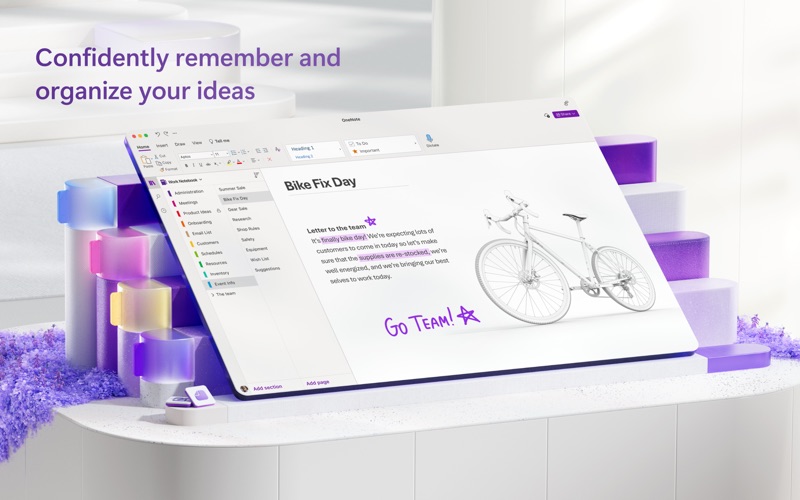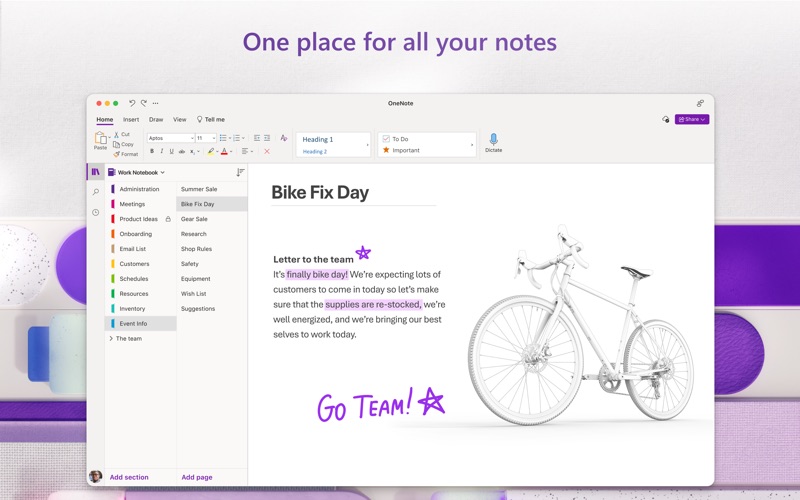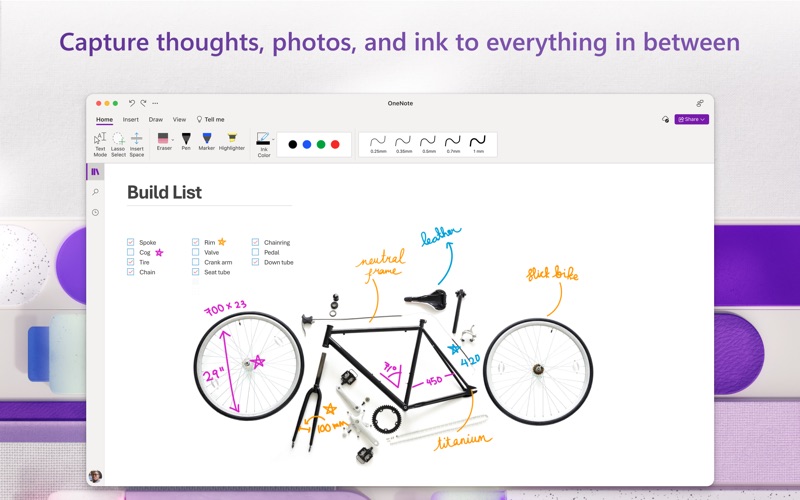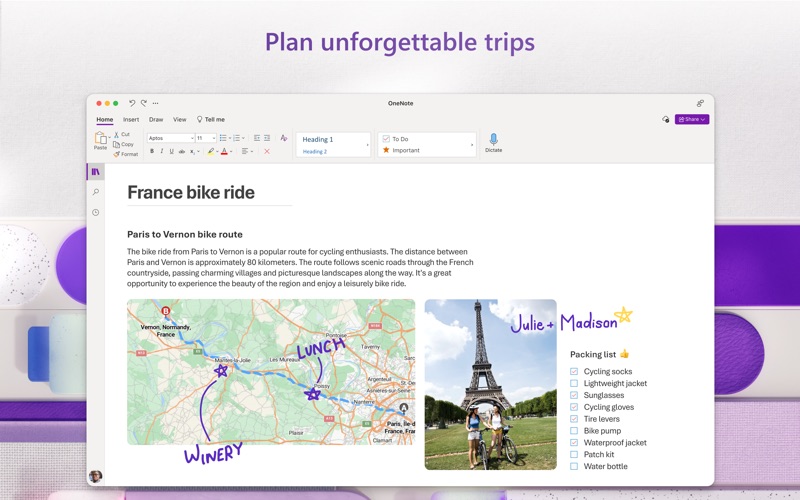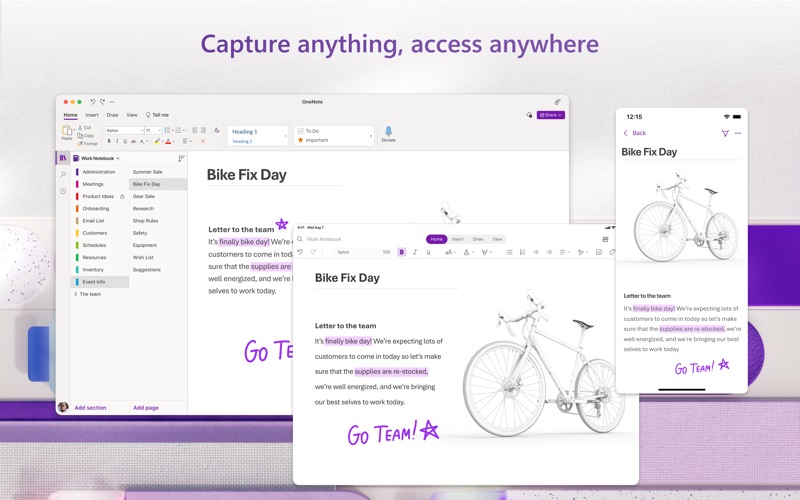
Capture your thoughts, discoveries, and ideas in your very own digital notebook using OneNote for Mac. Now it is easier than ever capture your thoughts, add pictures or files, and share notes across your devices and with others. Share your notes and collaborate in real time with colleagues or friends. Type anywhere on this free-form canvas, use a digital pen to write or draw, and add pictures and files right in your notes. Whether you’re at home, in the office, or on the go, OneNote in your go-to digital notebook. Capture Anything • Write memos, make a digital sketchbook, or jot down notes. • Save pictures of whiteboards, photos or printed documents in your notes. Take a picture, crop, and insert right into OneNote. • Highlight can’t-miss notes with Important and To Do tags. • Use a variety of digital pen colors and settings to create handwritten notes and drawings. • Draw with confidence with tools like “Convert to Shapes” which automatically converts hand drawn shapes into crisp, perfectly regular polygons and circles. Organize, Search and Secure • Organize your notes in a way that works for you using tabs, labels, and color coding to keep track of all your projects. • Create, rename, search, sort, and copy pages, sections, and entire notebooks. • Find your most recent notes quickly and pin the pages you most use to the top. • Secure your notes with a password and control permissions when sharing with others. • Track daily to-dos, flag questions to raise after a meeting, or mark important points. Collaborate and Share • Share ideas and your notes with friends and colleagues. • Collaborate in real time using a shared notepad. • Sync your notes to the cloud (OneDrive, OneDrive for Business*, and SharePoint), making it easy to access your notes anywhere. *For you to sign in to OneDrive for Business, your organization needs to have a qualifying SharePoint Online or Office 365 business subscription plan. You cannot sign in with an account from an on-premises directory. Learn more about Microsoft 365 Microsoft 365 is a cloud-based subscription service that brings together premium versions of Word, Excel, PowerPoint, Outlook and OneDrive, with the best tools for the way people work today. Please visit: http://go.microsoft.com/fwlink/?linkid=2015120 for information on Licensing Terms. Unlock the full Microsoft Office experience with a qualifying Microsoft 365 subscription for your phone, tablet, PC, and Mac. Microsoft 365 annual subscriptions purchased from the app will be charged to your App Store account and will automatically renew within 24 hours prior to the end of the current subscription period unless auto-renewal is disabled beforehand. You can manage your subscriptions in your App Store account settings. This app is provided by either Microsoft or a third-party app publisher and is subject to a separate privacy statement and terms and conditions. Data provided through the use of this store and this app may be accessible to Microsoft or the third-party app publisher, as applicable, and transferred to, stored, and processed in the United States or any other country where Microsoft or the app publisher and their affiliates or service providers maintain facilities.