Microsoft SharePoint

Microsoft SharePoint

By Microsoft Corporation

  • Category: Productivity
  • Release Date: 2016-06-20
  • Current Version: 5.1.0
  • Adult Rating: 4+
  • File Size: 86.14 MB
  • Developer: Microsoft Corporation
  • Compatibility: Requires iOS 18.6 or later.
Score: 4.6
4.62443
From 139,828 Ratings

Description

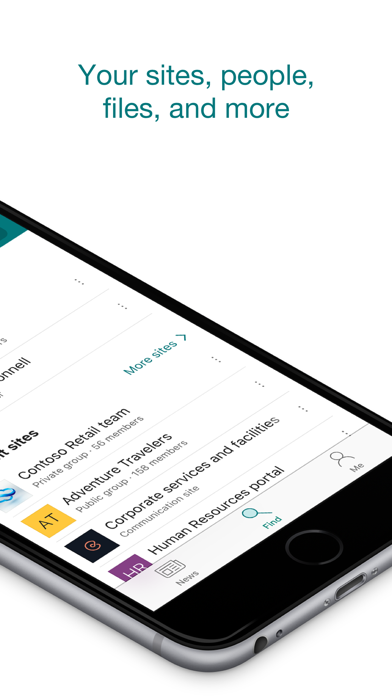
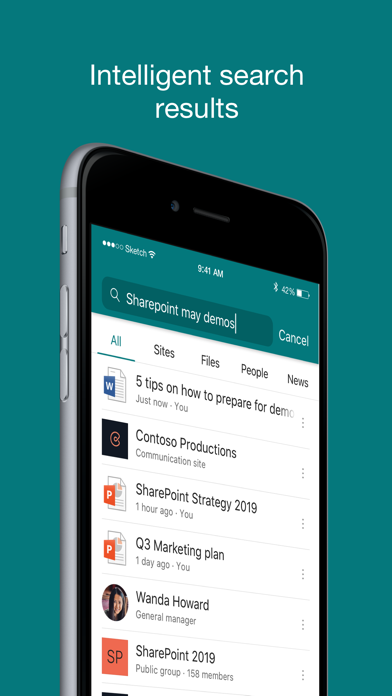
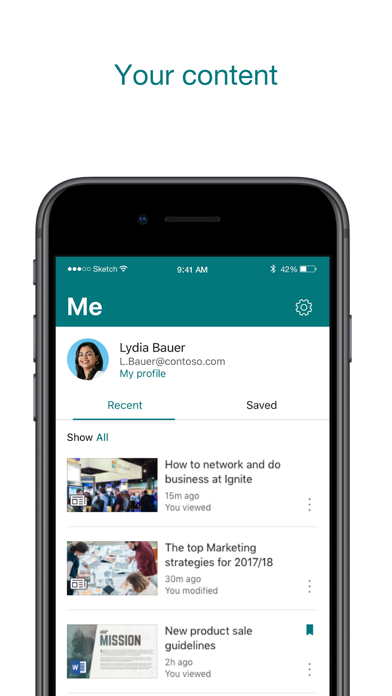
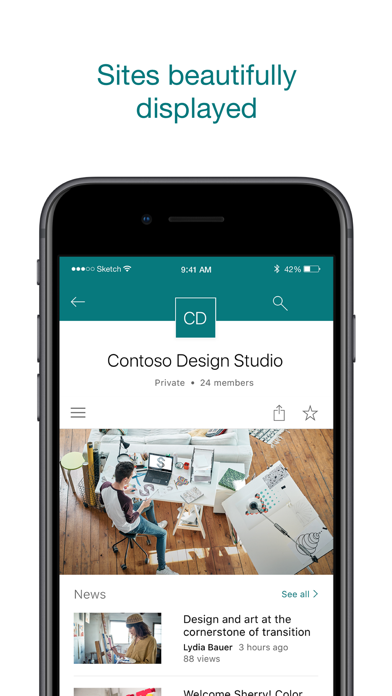
Find files, news, sites and people - personalized for you and your organization. SharePoint infuses AI into the mobile app experience to keep you focused and productive while on the go. AI builds an understanding of what you work on, how you work, and how your colleagues' work relates to you. When you need expertise, content, or resources when you're on the go, SharePoint is a great place to start looking.   · Browse your sites, files, people and more to get back to what you were working on  · Use search to find and discover important content · Access your personalized view of team sites, communication sites, and news posts  · Tap on a user to get to their contact card and see who they work with and what they are working on · Create news posts on the go and share your updates, reports, status, and experiences with your team · Sign in to your SharePoint sites, whether they're in the cloud or on-premises. The app works with SharePoint Online and SharePoint Server versions 2013 and higher · Add multiple accounts, and easily switch between them   What people are saying:   The SharePoint mobile app has been featured in TechCrunch, The Verge, ZDNet, PCWorld and Computerworld.   Over 2 years of app store reviews: "making collaboration easier than ever!!""" "keeps me connected with my office documents and coworkers" "seamless integration with other Office apps" "it's so easy and simple to use!!"   Note: To sign in to SharePoint, your organization needs to have an Office 365 subscription that includes SharePoint Online or an on-premises SharePoint Server. This app is provided by Microsoft. Data provided through the use of this store and this app may be accessible to Microsoft and transferred to, stored, and processed in the United States or any other country where Microsoft or its affiliates maintain facilities.

Screenshots

Reviews

  • Directory organization

    2
    By cant play ebin
    On the whole share point gets the job done. What makes it infuriating is the poorly designed UI that doesn’t allow you to easily navigate directories like you would in a computer.
  • Sorry, something went wrong

    1
    By Sorry, something went wrong
    This is as far as i get into my files
  • Not good

    1
    By I Hate Sharepoint
    Worst UI experience of my life and I play Star Citizen
  • Widgets work poorly in mobile version

    1
    By PABAMMA
    Widgets work poorly in mobile version
  • Difficult to upload photos from a phone

    1
    By gpsyblu
    Difficult to find the links to upload and then difficult actually upload them from phone
  • Doesn’t work well

    1
    By Winner O
    Out of all the Microsoft Mobile Apps I use regularly, this one and Excel just leave much to be desired. I see I’m logged (my initials are in the top right corner) yet it’s constantly asking me to sign in. I get multiple “try again” prompts just to watch a video someone on my team loaded. Please work on this app’s UI.
  • MSFT is cooked

    1
    By 4_Lando_4
    The positive reviews must be fake. Been a Sharepoint admin almost a decade. This mobile app has always been unreliable. Maybe works 20% of the time. Constantly makes me sign back in and reauthenticate. Stalls out opening files. Not an issue my hardware. Not an issue with admin settings. Just bad software
  • Can’t add documents

    3
    By I can work with this
    Can’t add a document to a folder on the SharePoint app
  • 5 star Reviews cannot be Real

    1
    By EMyers99
    This app is unusable from start to finish. How many times do I have to log in within the app? Everything I touch asks me to login again. I cannot open simple pages due to “Something went wrong”. Pages that only include texts and links…I am Admin and know this cannot be a permission issue. Site logos do not render. Takes a lot of effort to setup branding on desktop, with little of the effort available on mobile.
  • An Embarrassment

    2
    By Fitzbattleaxe
    How a company as affluent as Microsoft can ship a user interface this embarrassing is beyond me. Truly one of the most outstandingly awful pieces of software that is this widely used.

Comments

keyboard_arrow_up

Buy this script Now!